18
OPERATION GUIDE / 2
2.4 Flight >>
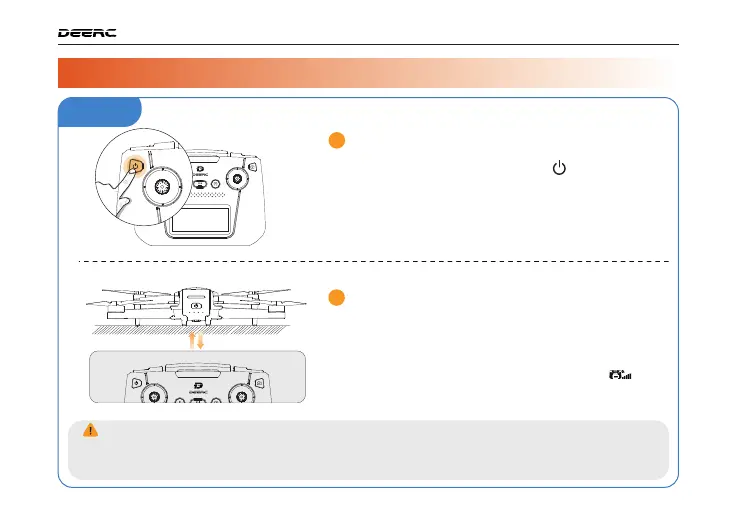
Pairing
Auto-pairing:
3
2
When the transmitter and the drone have
successfully paired, the transmitter will beep
once, and the drone indicators will become
steady, the Transmitter Signal Strength ( ) on
the LCD screen is full and glowing.
Turning on the Transmitter:
Short press the power switch ( ) once, then
hold it for 3 seconds to turn on the transmitter.
The transmitter will beep once. The LCD screen
displays "POWER ON".
Gimbal Self-Check: After pairing, the drone automatically checks the gimbal's compo-
nents and functions for normal operation, lasting approximately 8 seconds. During the
self-check, the drone's indicators flashes, and upon completion, it remains steady.



 To Next Page