54
4.4 Compliance Information >>
APPENDIX / 4
FCC Notice:
This device complies with part 15 of the FCC Rules. Operation is subject to the following two conditions:
(1) This device may not cause harmful interference, and
(2)This device must accept any interference received, including interference that may cause
undesired operation.
The Supplier's Declaration of Conformity is available at the following address:
https://www.deerc.com/Download/US/D65_FCC_sDoC.pdf
This equipment has been tested and found to comply with the limits for a Class B digital device,
pursuant to part 15 of the FCC Rules. These limits are designed to provide reasonable protection
against harmful interference in a residential installation. This equipment generates, uses and can
radiate radio frequency energy and, if not installed and used in accordance with the instructions, may
cause harmful interference to radio communications. However, there is no guarantee that interference
will not occur in a particular installation. If this equipment does cause harmful interference to radio or
television reception, which can be determined by turning the equipment off and on, the user is encour-
aged to try to correct the interference by one or more of the following measures:
4.3 Troubleshooting >>
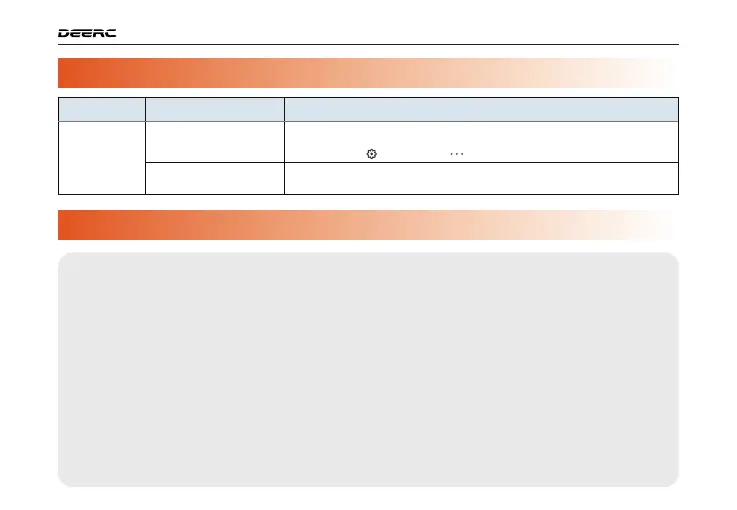
Issues
Possible Causes
Suggested Solutions
Laggy live-feed;
image transmi-
ssion range is
shortened.
Wi-Fi signal interference.
Cellphone Wi-Fi
performance issues.
1. Fly in an open and interference-free area.
2. If interference occurs, manually switch the Wi-Fi channel to avoid it. Method: Before unlocking
the motors, go to " " in the app, tap " " and switch to a proper channel.
Try different cellphones.



 To Next Page