30
3.1 Flight Functions >>
DRONE FUNCTIONS / 3
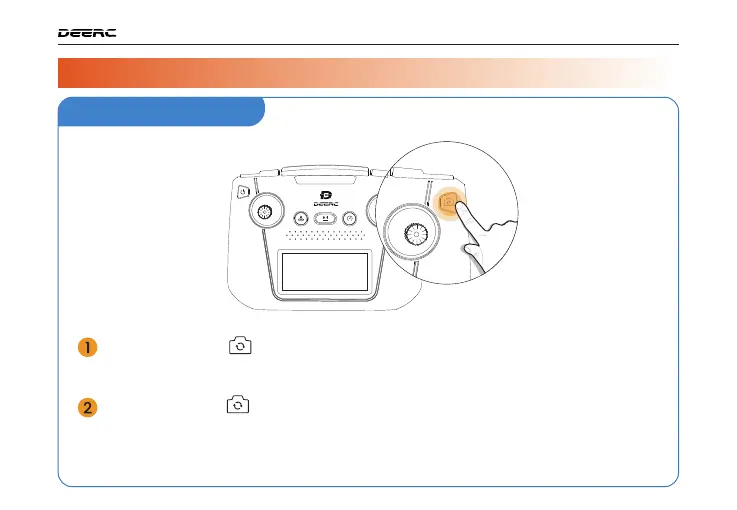
Take Photo/Record Video
Short press the ( ) button on the transmitter, the transmitter will beep once,
indicating that you have successfully taken a photo.
Long press the ( ) button on the transmitter, the transmitter emits a double
beep, indicating that the camera has started recording. Long pressing the
button again will stop the recording.



 To Next Page