5 HOMEDEPOT.com
Please contact 1-866-308-3976 for further assistance.
Installation
1
Installing the Motion Sensor
WARNING: Turn the power off at the circuit breaker or
fuse. Place tape over the circuit breaker switch and verify
power is off at the light xture.
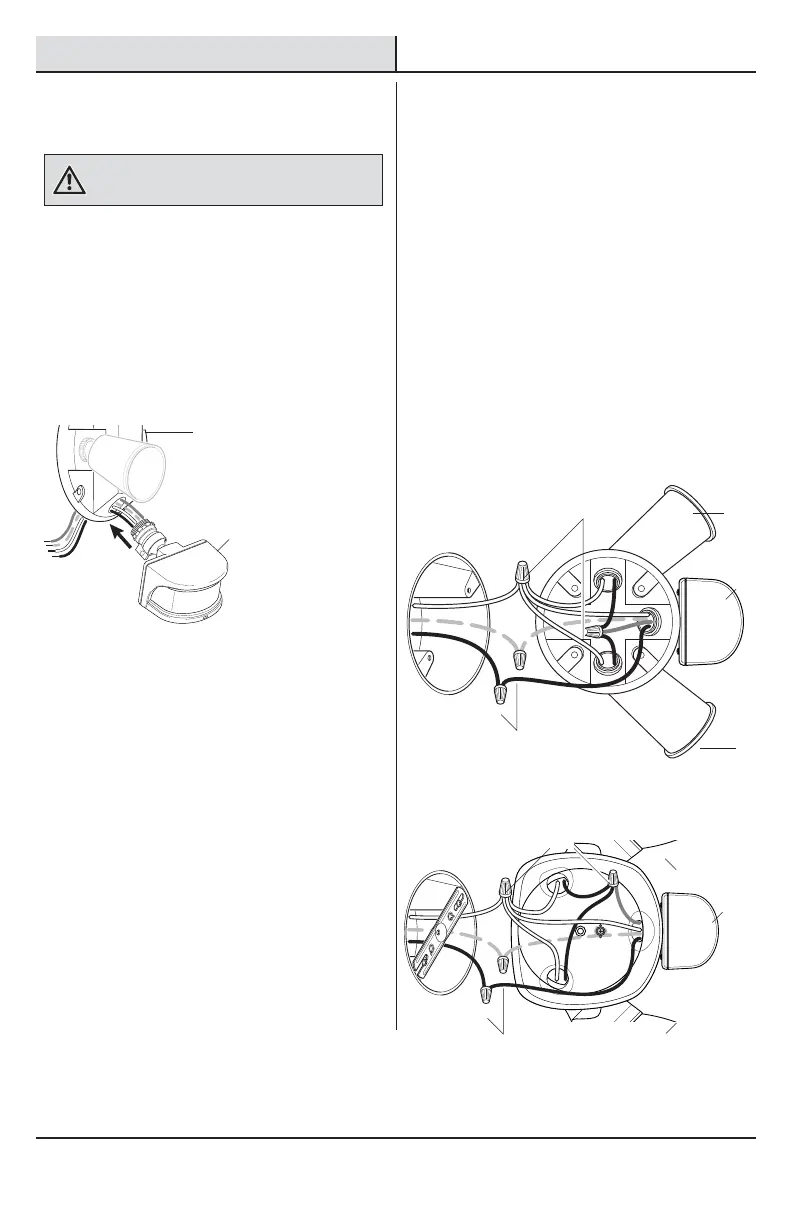
The WHITE motion sensor wire is neutral. The BLACK
motion sensor wire is hot. The RED motion sensor wire
is switched “hot”.
Ƒ Remove the existing light xture.
Ƒ Route the motion sensor wires through the
canopy (1) of the existing light xture.
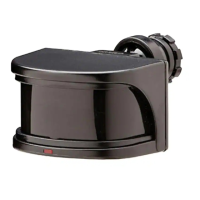
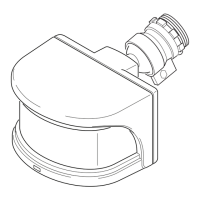
Ƒ Screw the motion sensor (A) into the canopy
(1) of the existing light xture.
2
Wiring the Motion Sensor
Ƒ Connect the motion sensor wires to the light
xture wires and the junction box wires with
wire connectors (AA):
Ƒ White to white
Ƒ Black motion sensor wire to black junction
box wire
Ƒ Red motion sensor wire to black bulb
holder (2) wires
Ƒ Bare or green ground wire to house ground
and any light xture ground wire or ground
screw, if present
Ƒ Follow the instructions that came with the
existing light xture to mount and adjust the
light xture.
OR
FR
ONT
A
AA
AA
AA
A
A
2
2
2
2
1
AA



 To Next Page