7 HOMEDEPOT.COM/HUBSPACE
Please contact 1-877-592-5233 for further assistance.
Operation (continued)
4
Adjusting the doorbell volume
NOTE: The doorbell volume can also be adjusted on the
home screen using the slider below the doorbell icon.
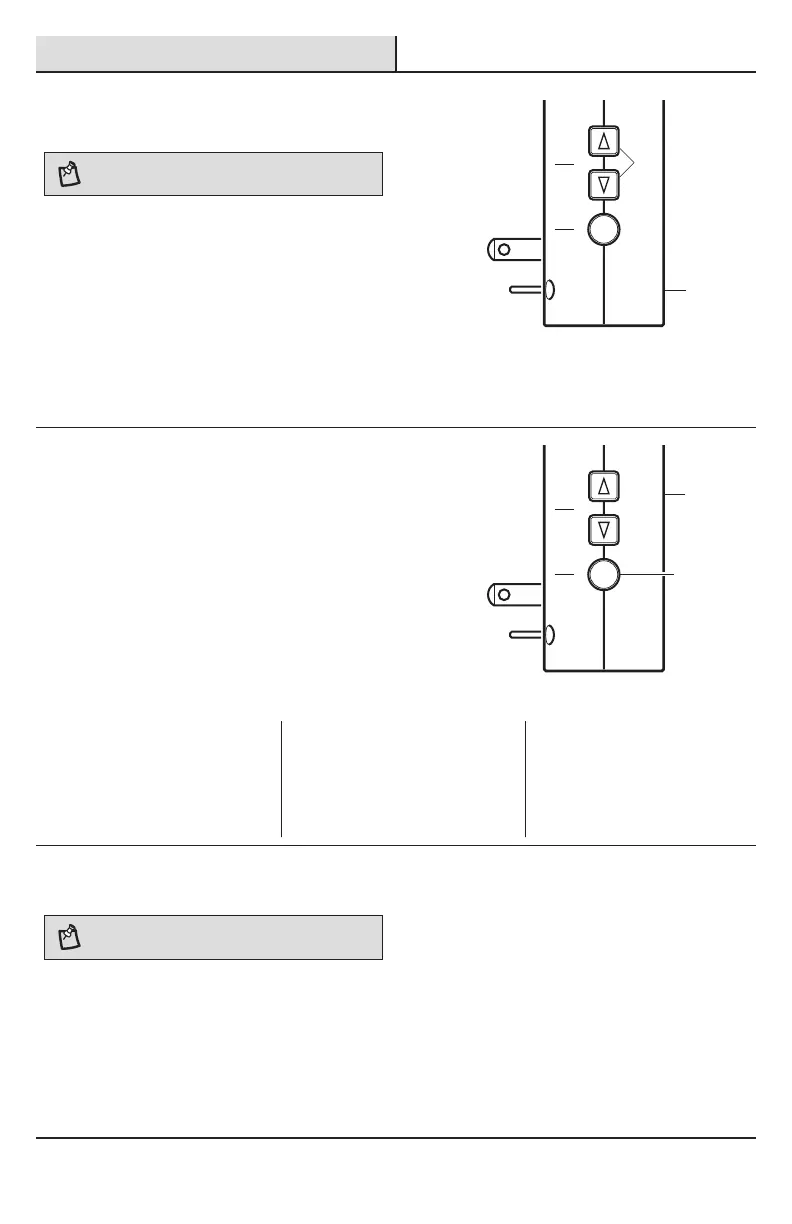
The doorbell (A) has an adjustable volume control from
25% to 100%. The volume can be adjusted using the
arrow buttons (3) on the side of the doorbell (A) or
using the app.
Ƒ Using the doorbell arrow buttons (3) – Press
and release the arrow buttons (3) to adjust the
volume one step at a time.
Ƒ Using the app – Select the doorbell in the app.
Use the volume control to adjust to the desired
volume.
Function Vo lume
5
Selecting a tune
There are 17 available tunes that can be assigned to
any push button synced with the doorbell (A). The app
is able to select tunes for all push buttons.
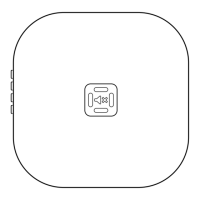
Ƒ Using the Function Button (4) – To change the
“front” door push button tune only, press and
release the function button (4) to play the next
tune. The last tune played will be the new tune.
Ƒ Using the app – Select the doorbell and the
desired push button in the app. Choose the
desired tune from the list.
Function Vo lume
1 Westminster 7 We Wish You A Merry Christmas 13 Lincolns Park
2 Short Westminster 8 Auld Lang Syne 14 Piano Westminster
3 Whittington 9 Beethovens's Fifth 15 Rockin Westminster
4 Relax Triplet 10 Ding Dong 16 Star
5 Shorty 11 Ding 17 Sundance
6 Birthday Celebration 12 Jazzy Sax
6
Naming the push button
NOTE: This doorbell is designed to work with up to 16
wireless push buttons (sold separately).
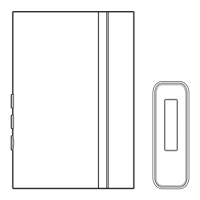
Each push button (B) can be assigned a unique name
that will display when a notication is sent from the
push button (B).
Ƒ Using the app – Select the doorbell and the
desired push button in the app. Type in a name
for the push button.
A
A
4
3


 To Next Page