EasyManua.ls Logo

Defiant 18000028 - User Manual

Defiant 18000028
22 pages
Print Icon
To Next Page IconTo Next Page
Loading...
THANK YOU
We appreciate the trust and condence you have placed in Deant through the purchase
of this wireless MP3 battery doorbell kit.
We strive to continually create quality products designed to enhance your home. Visit us online to see our full line of
products available for your home improvement needs. Thank you for choosing Deant!
USE AND CARE GUIDE
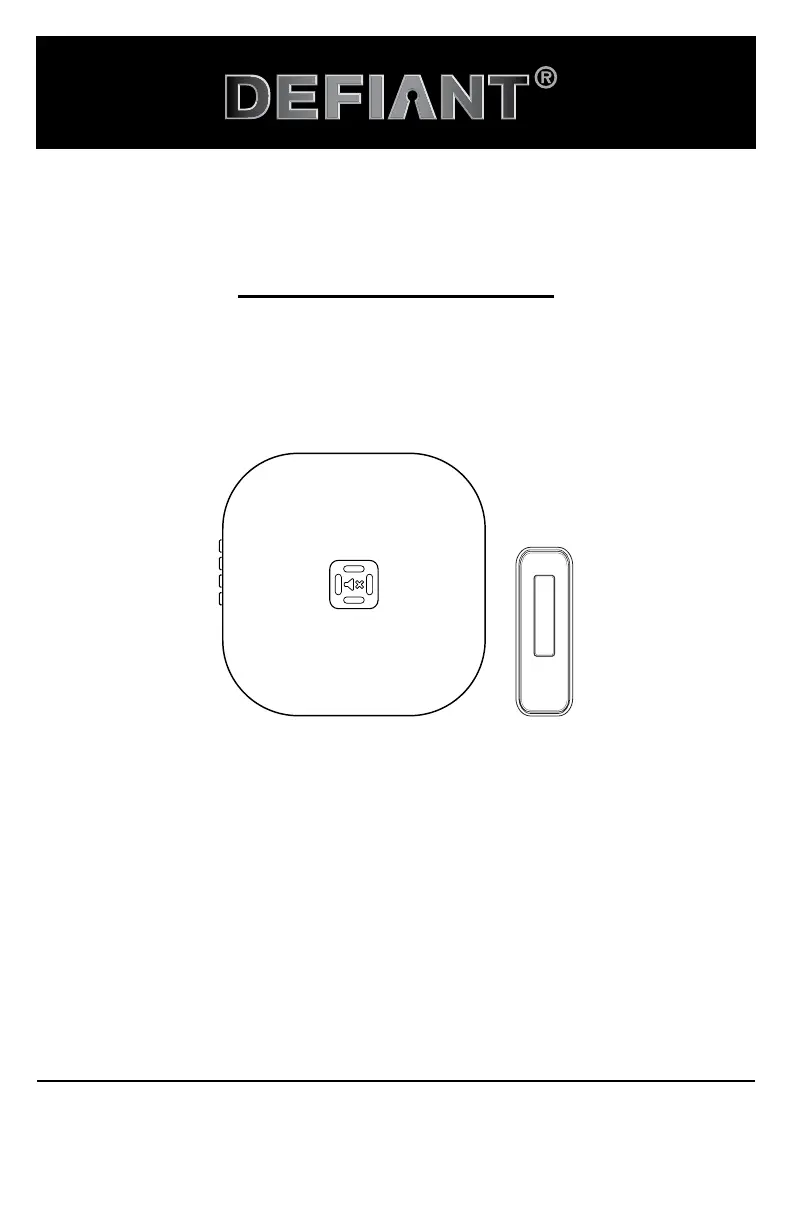
WIRELESS MP3 BATTERY DOORBELL KIT
Questions, problems, missing parts? Before returning to the store,
call Defiant Customer Service 8 a.m. - 7 p.m., EST, Monday - Friday, 9a.m. - 6 p.m., EST, Saturday
1-866-308-3976
HOMEDEPOT.COM
Illustrations may vary from actual unit.
Item #1008504872
Model #18000028

Questions and Answers

  • K
    Kenneth ThompsonAug 10, 2025
    How to fix a Defiant 18000028 when the doorbell doesn't sound?
    • S
      Stephanie OliverAug 10, 2025
      If your Defiant Intercom System doorbell isn't sounding, several factors could be at play. First, ensure the batteries are correctly installed, matching the diagram inside both the push button and the doorbell. Next, check if the batteries are dead and replace them if needed. The push button and doorbell might need syncing: press and hold the “Sync/Music” button on the doorbell until it beeps twice, then press the push button within 10 seconds; a double beep confirms syncing. Also, verify that the chime isn't muted by pressing and releasing the mute button until the green light turns off. Finally, confirm that dip switch #1 in the push button is in the “OFF” position, and then re-sync the devices.
  • J
    John HatfieldAug 25, 2025
    Why does my Defiant 18000028 doorbell ring randomly?
    • R
      Richard SimsAug 25, 2025
      If your Defiant Intercom System doorbell is sounding unexpectedly, it might be due to interference from another wireless device. To resolve this, reset both the doorbell and push button. Start by removing the batteries from the push button and waiting 30 seconds. Then, within 60 seconds of reinstalling the battery, press and hold the push button for 10-15 seconds. Next, press and hold the “Sync/Music” button on the doorbell until it sounds four beeps. To re-sync, press and hold the “Sync/Music” button until the doorbell beeps twice, then press the push button within 10 seconds. A double beep will indicate successful syncing.

Defiant 18000028 Specifications

General IconGeneral
Model Number18000028
Power SourceBattery
Battery TypeAA
ColorWhite
InstallationWall Mount
FeaturesCall Button
Range1000 feet

Related product manuals