8
Operation
7
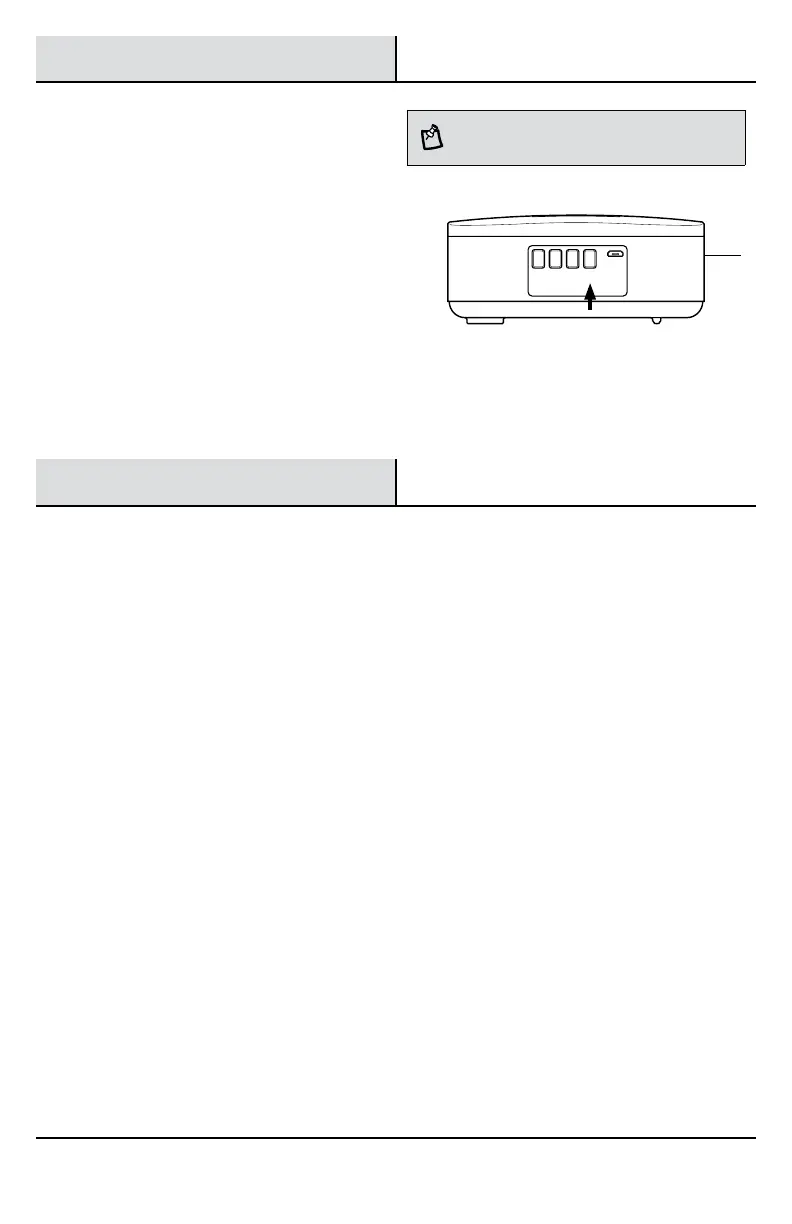
Synchronizing a new push
button with doorbell
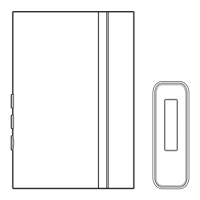
The doorbell (A) can link up to 10 Defiant brand
wireless push buttons. All push buttons will play the
same selected tune for the "FRONT" push button (B).
Each "FRONT" push button can be assigned it's own
unique tune.
Press and hold the "Sync/Music" button on the
doorbell until the doorbell sounds a “Beep-Beep”.
□ Press the push button within 10 seconds. The
doorbell will sound a “Beep-Beep” tone to
indicate the push button is synced.
□ Press the push button to ensure operation.
NOTE: The push button and doorbell come synced from
the factory. The range of the wireless doorbell can vary
with location, temperature, and battery condition.
VOL
+
VOL
–
Light Sync
Music
Care and Cleaning
□ Use a dry cloth to clean the doorbell and push button.
□ Do not use cleaners or polishes.
□ Do not use any fluids on the doorbell or push button.
A


 To Next Page