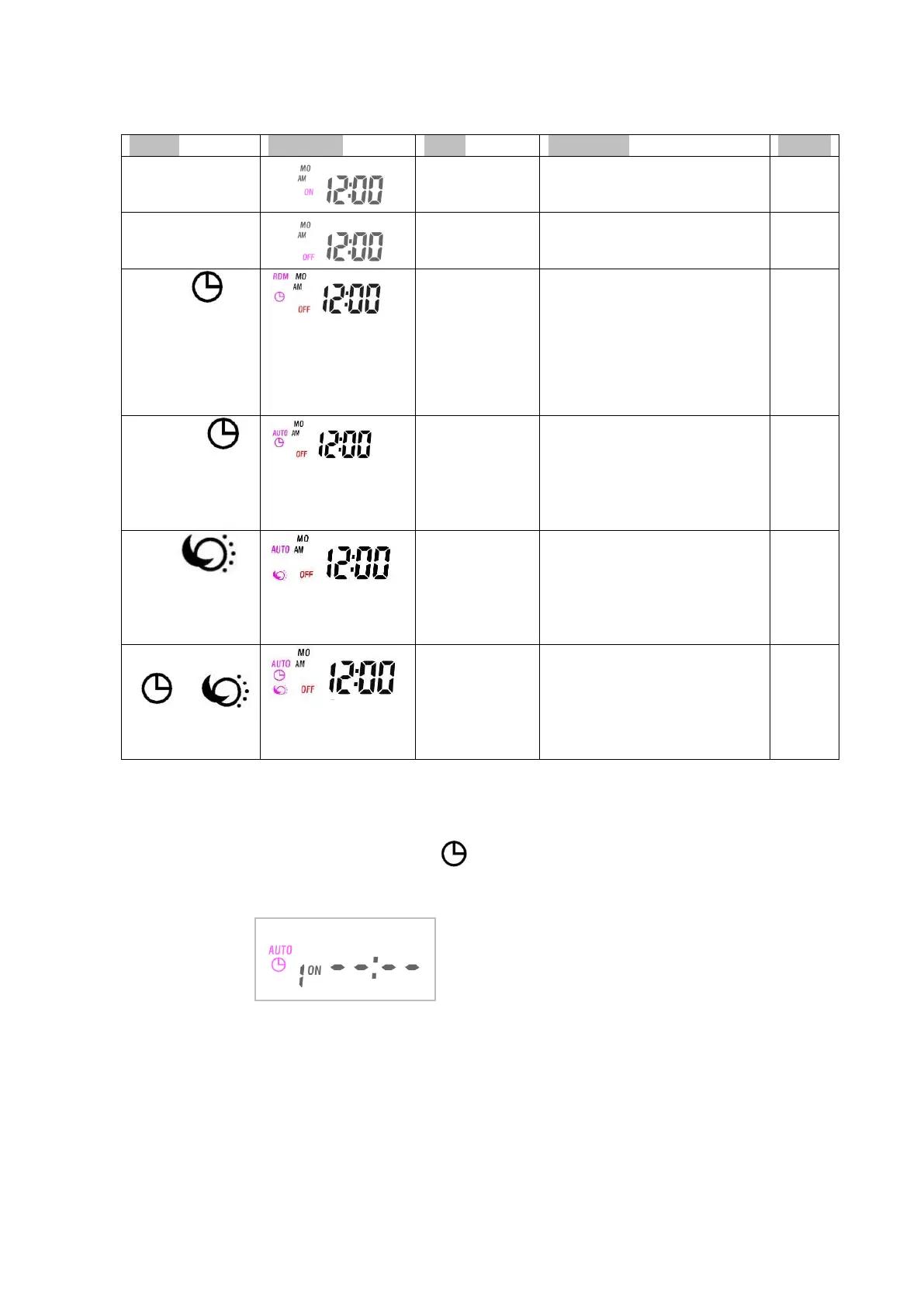
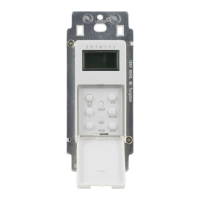
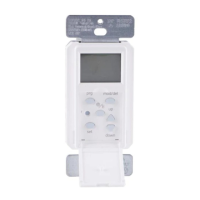
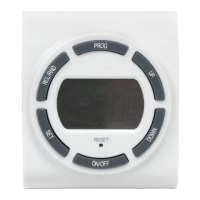
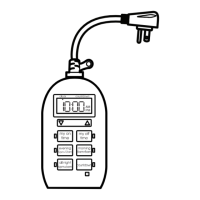
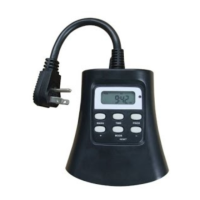
E. MODE Setting:
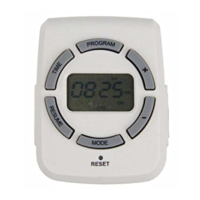
Press “MODE” button to choose the desired mode.
ONOFFRDM TimerAUTO TimerAUTO CDSAUTO CDS + TIMER as following listed.
The outputs remain always on.
The outputs remain always off
Security
feature. On at
a random time,
and will
remains ON for
15 minutes.
Up to 5 on/off events every
day. The on/off events are
built-into this product, turn
ON at a random time and the
ON time is different each day,
creating a more “lived-in”
look.
ON/OFF
program at
AUTO mode
ON/OFF at your exact
programmed timer.
Please
refer to
“F” for
setting
in
details
ON at dusk, OFF at drawn.
Please
refer to
“G” for
setting
in
details
On at dusk, OFF at your exact
programmed timer.
Please
refer to
“H” for
setting
in
details
F. Program Setting.
Make sure the current mode is at AUTO mode, then Press and hold "PROG" button for two
seconds to begin program setting, using the "+" and "-" buttons to adjust the setting.
1. Press "+" or "-" button to set the correct day. MOTUWETHFRSASUMO TU WE TH
FRSA SUMO TU WE TH FR SA SU(cycle).
2. Press the "SET" button to enter the hour setting. Press "+" or "-" buttons to set the desired hours
for your timer to turn on. Be sure that AM or PM appears correctly.
3. Press the "SET" button to enter the minute setting, Press the "+" or "-" buttons to set the desired
minutes for your timer to turn on.
4. Press “SET” button to enter the program OFF setting, the “1 OFF” will appear on the
display. Repeat steps 1 to 3 to set your desired OFF time, up to 8 on/off programs settings.
5. While setting the programs, press and hold the “SET” button to clear the set program time.


 To Next Page