Page 18
Built in safety
1. Automatic Safety Off
Your hob will automatically switch off if the
power level is not changed after a set
amount of time.
How to use the electric plates
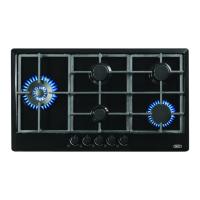
A. On/Off sensor
B. Cooking zone power indicators (Hot
surface indicators)
C. Cooking zone selection and (+) Sensor
D. (-) Sensor
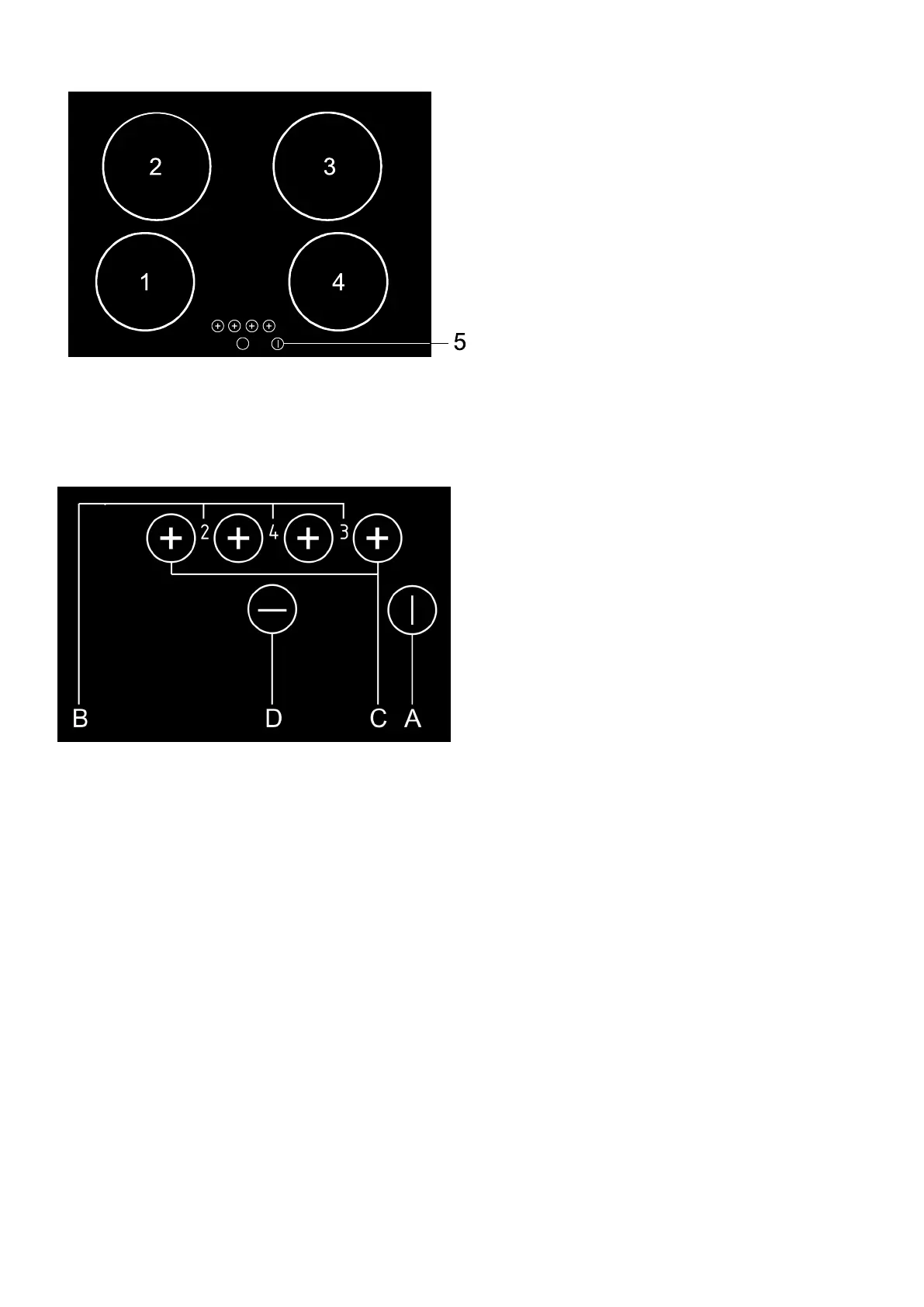
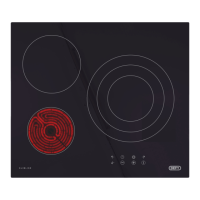
1. Cooking zone Hi Light front left
2. Cooking zone Hi Light rear left
3. Cooking zone Hi Light rear right
4. Cooking zone Hi Light front right
5. Hob controls
Hob control elements
Switching a cooking zone on
Press the on/off sensor (A) for at least
one second to switch the hob on, all
hotplate power indicators (B) indicate
„0‟. The next setting must be selected
within 20 seconds to prevent the hob from
switching off.
Activate the required cooking zone by
pressing the relevant (+) sensor (C)
Set the desired cooking power from 1- 9,
using the (+) or (-) sensors (C and D )
Continuous pressing of + (C) or - (D)
increases or reduces the power level.
Alternatively, power levels may be
sequentially adjusted by pressing (C or D)
for at least 1 second.
Note that settings are only possible for
one hotplate at a time.
Switching a cooking zone off
Press the (-) sensor (D) and set the
power level to „0‟, the hotplate will switch
off after 10 seconds. Shortly thereafter the
hot surface indicator light on the hob
will switch on, display (H) and remain on
for 20 to 30 minutes after the plate is
switched off. This is a reminder that the
hob surface is still too hot to touch.
Fast deactivation. Press both + and—
(A and D) touchpad sensors
simultaneously to switch the hotplate off
immediately.
Switching the hob off
Switch the hob off by pressing the On /
Off sensor (A).
Controls
Remaining heat indicator
The remaining heat may be used for
warming food as long as the symbol „H‟
remains on after the cooking zone has been
switched off.
Caution! Even when the symbol „H‟
disappears the cooking zone may still be hot.
Do not touch the cooking zones.
Hob control
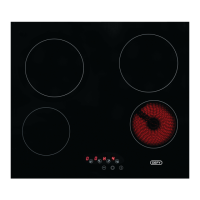
The hob is fitted with electronic sensors
which are activated when the relevant
circular touch pad is pressed for at least
one second.
Each sensor activation is followed by an
audible tone.
To avoid false touch pad activations do
not place any objects on the touch pad
area.
Always keep the touch pad surface area
clean.


 To Next Page