Dejavoo Systems Instruction Manual V525.15 5
ON SCREEN HELP FEATURE
At any time during a transaction or within any Dejavoo menu the user may press the “
” Key
on the bottom right side of the V & Z Series terminal keypad to access the on screen help
feature. This feature will provide information on the feature itself as well as next step
directions. See the examples provided below for guidance.
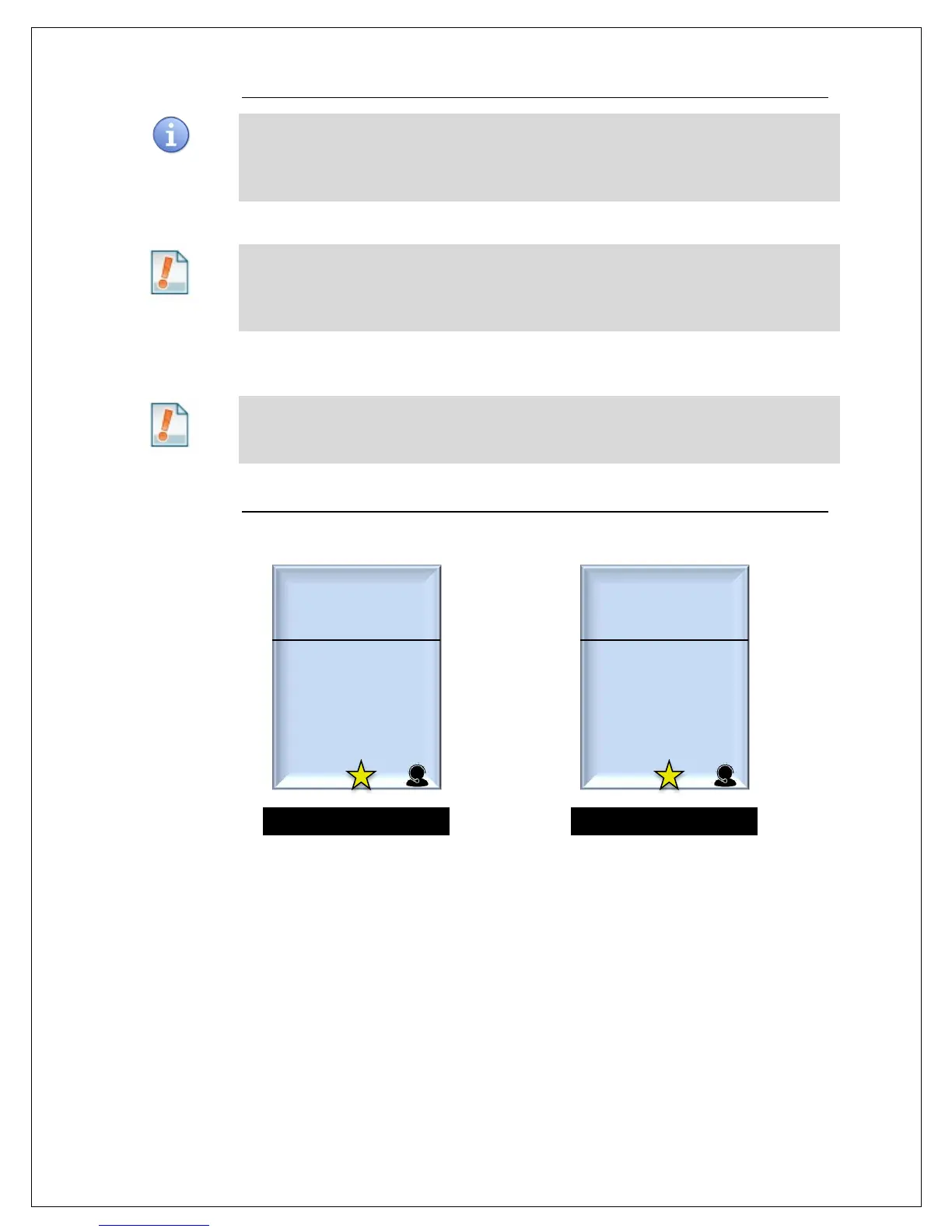
Example #1: The merchant is not sure how to change the transaction type from Credit Sale to
Credit Return. He/She can press the “•” key to access screen level help and
the following help screen will appear on the terminal display. Pressing the green
OK key or the red X key will return him/her back to the transaction screen.
Example #2: The merchant is not sure what the “settlement” menu does.
He/she highlihghts the settlement menu option and Pressing the “•” key will a
description and next steps associated with that option.
Change the EDC
type. Use Yellow
key to change
transaction type.
Press Numeric key
to input amount
For all applications.
Press green OK key
to select.



 To Next Page