Dejavoo Systems Instruction Manual V525.15 28
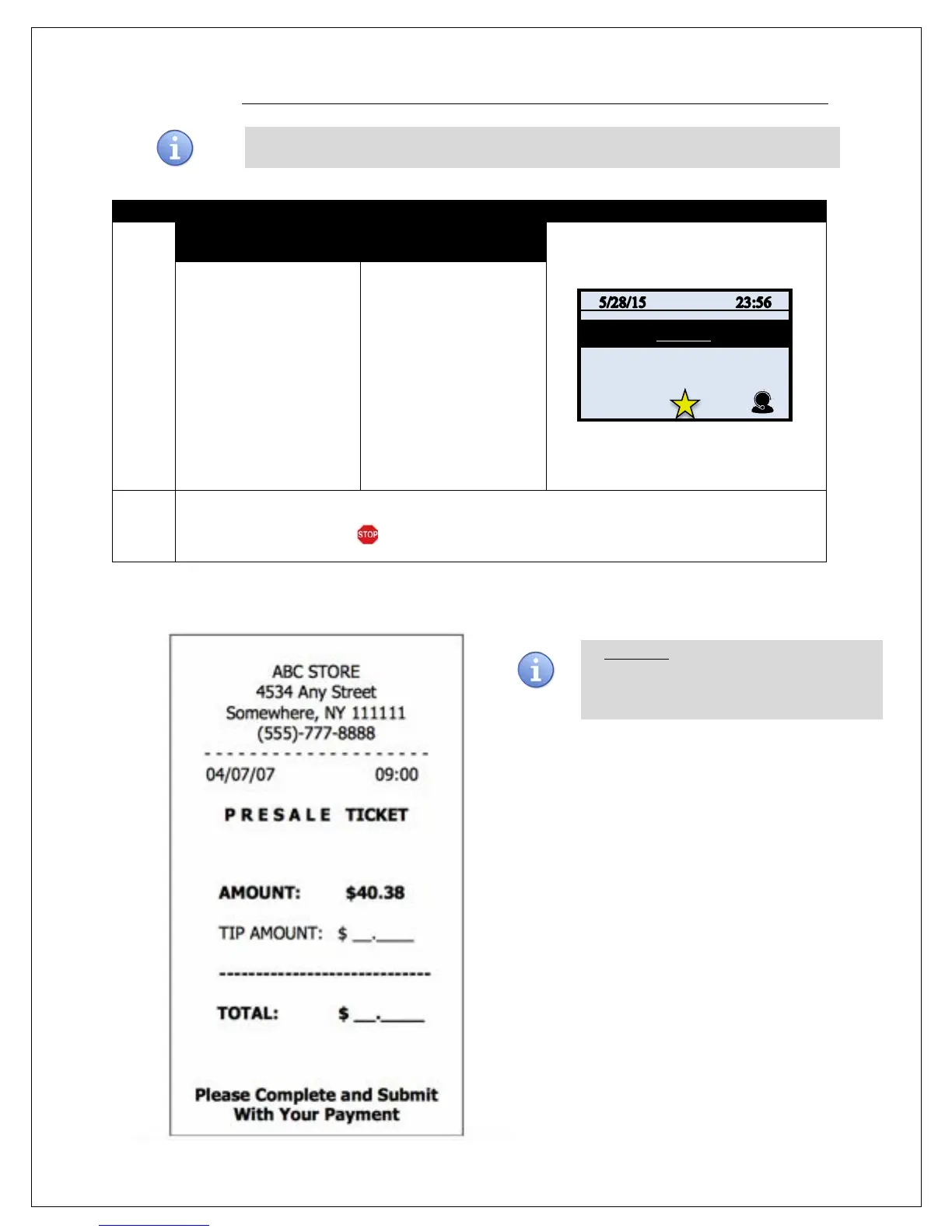
PRESALE TICKET
Use the chart below to enable the Inline Tip function. This will allow you to access the
1.
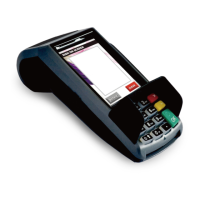
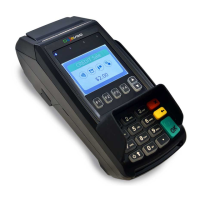
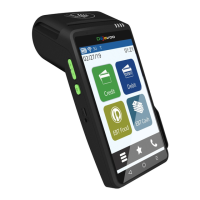
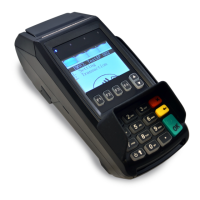
NON TOUCH SCREEN TOUCH SCREEN
Press F3 to access the
terminals Favorites Menu
Use the up and down
arrow to highlight
PRESALE TICKET and
press OK.
Input SALE AMOUNT and
press OK
Use your fingertip to Tap
the STAR icon on the
bottom of the display to
access favorites.
Use your fingertip to Tap
PRESALE TICKET
Input SALE AMOUNT and
press OK
2.
The presale ticket prints. Allow customer to complete presale ticket and return to cashier with
their method of payment.
RETAIL RECEIPT – PRESALE TICKET
** Important ** Note: This is NOT a sale. A
sale transaction will need to be completed
after the presale ticket with the cardholder’s
card.


 To Next Page