Dejavoo Systems Instruction Manual V525.15 75
EDIT PASSWORD (CORE MENU), CONTINUED
6.
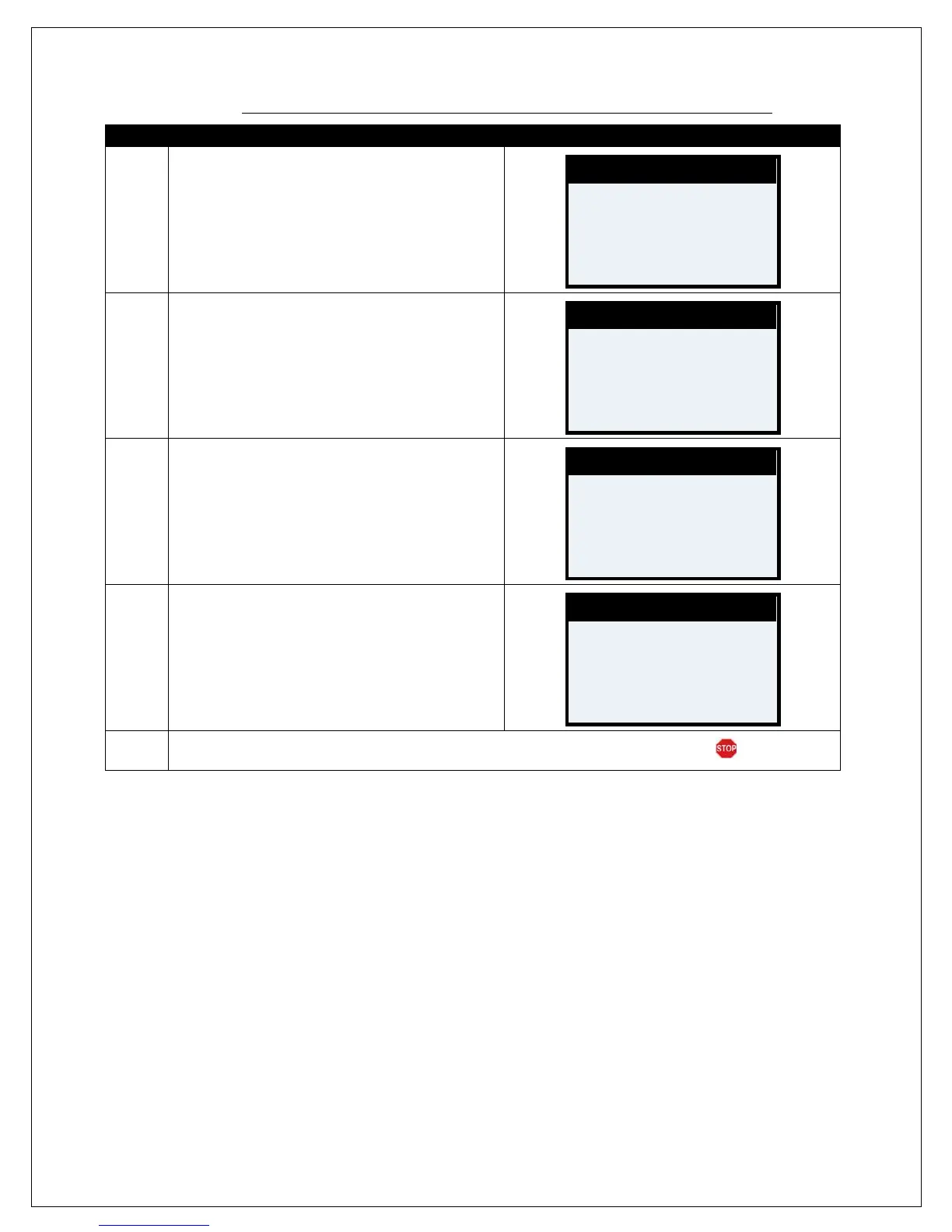
Use the alphanumeric keypad to set up your
answer to the chosen security question.
Press the Green OK key to confirm your answer.
7.
Use the key pad to input the terminals current
password, the one you wish to change.
Press the Green OK key to confirm.
Note: If this is the first time the password has been
changed the default password is 1234.
8.
Use the keypad to input the customized NEW
password, you are changing it to.
Press the Green OK key to confirm.
9.
Use the keypad to re-enter the customized NEW
password, for confirmation.
Press the Green OK key.
10.
Terminal flashes the confirmed new password and returns to the Security main menu.
Last 4 SS#
# # # #
****
****
****



 To Next Page