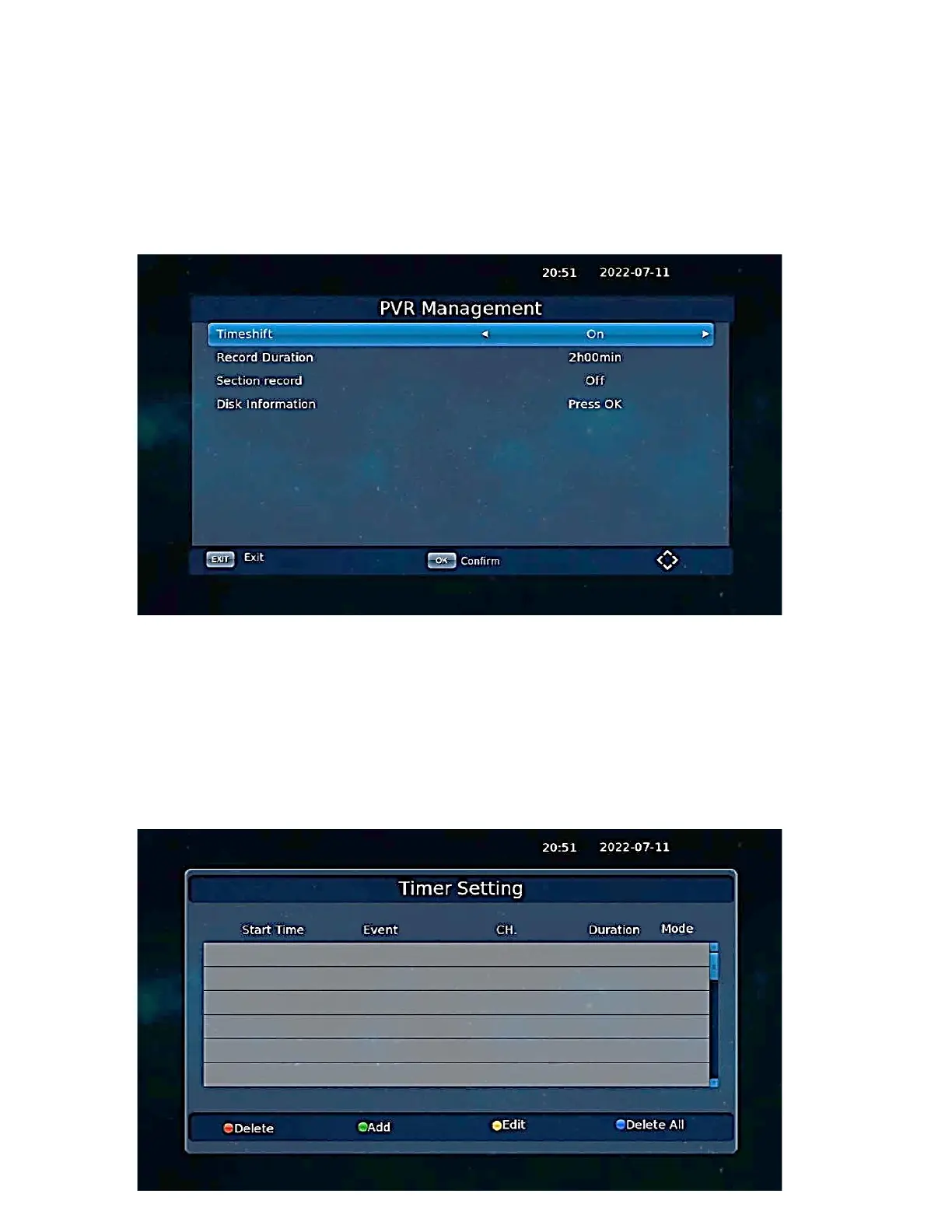
PVR Management.
Enable or disable the TIMESHIFT function for recording live programs. The TIMESHIFT function is
activated on the remote control with the [RED] button.
Timer settings.
Selecting the signal output parameter when connecting the decoder to the TV set using the type
connector. Schedule the recording of the selected program.
Press [GREEN] to add an item to be recorded.
Set the On Mode to automatically start the decoder at the set date and time.



 To Next Page