IPTV
Internet TV
Detailed instructions on how to add additional free-to-air channels are available for download at
www.dekoelectronics.com
Adding channels
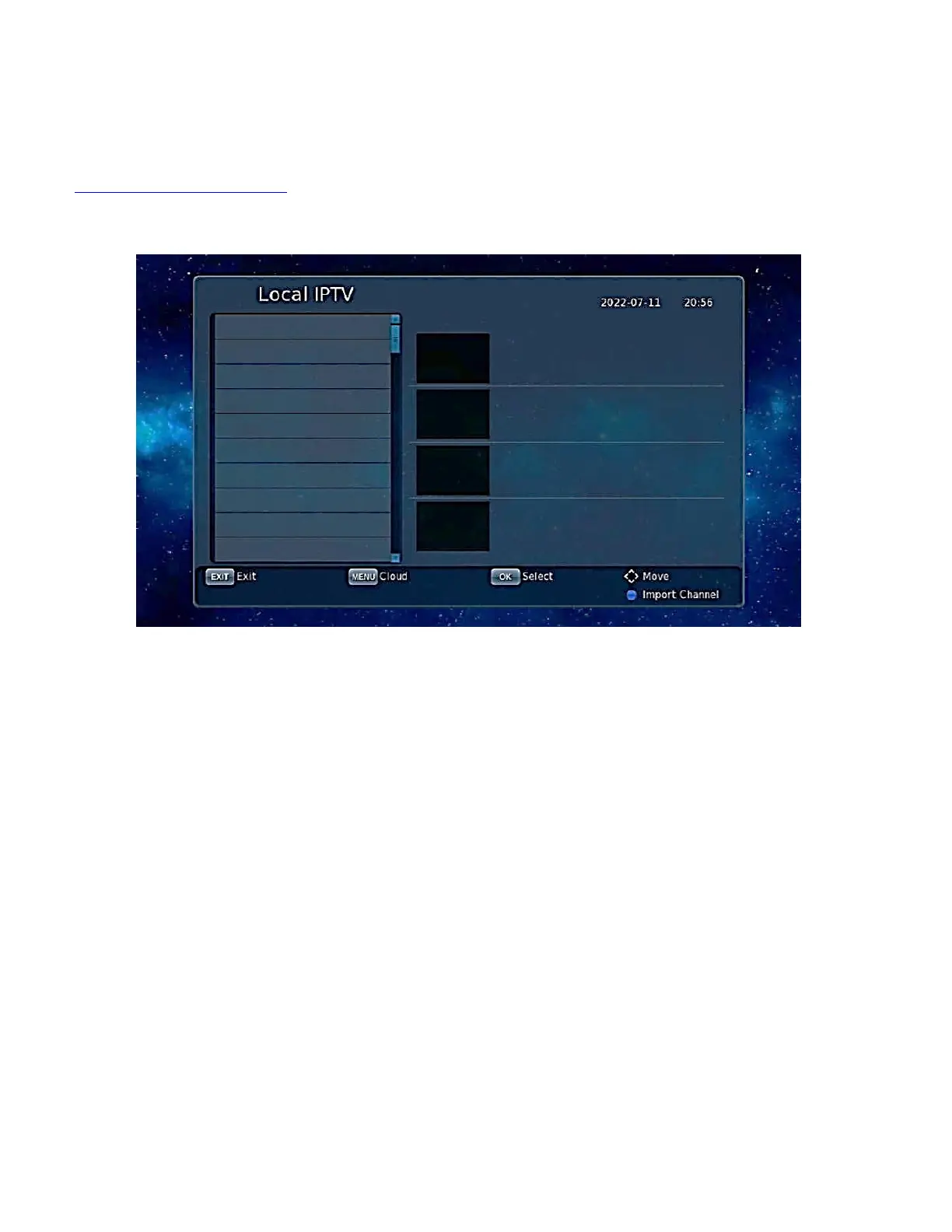
When the cursor is in the left half of the screen, press [RED] to refresh the list and [GREEN] to
display the list of IPTV clouds.
IPTV channels can be added, deleted, edited and imported.
[BLUE] means to enter the iptv server address in the .XML file.
In local IPTV mode, first navigate to the XML file for IPTV and press [BLUE] then select the location
of the file and press [OK] to import it.
Once the data has been successfully imported you will see the channel groups and channel list, Use
[▲ / ▼] for navigation.


 To Next Page