40 Using Your Projector
NOTE: If you forget your password, contact DELL™ or a qualified
service personnel.
3
To disable the password function, select
Disable
.
4
To delete the password, select
Delete.
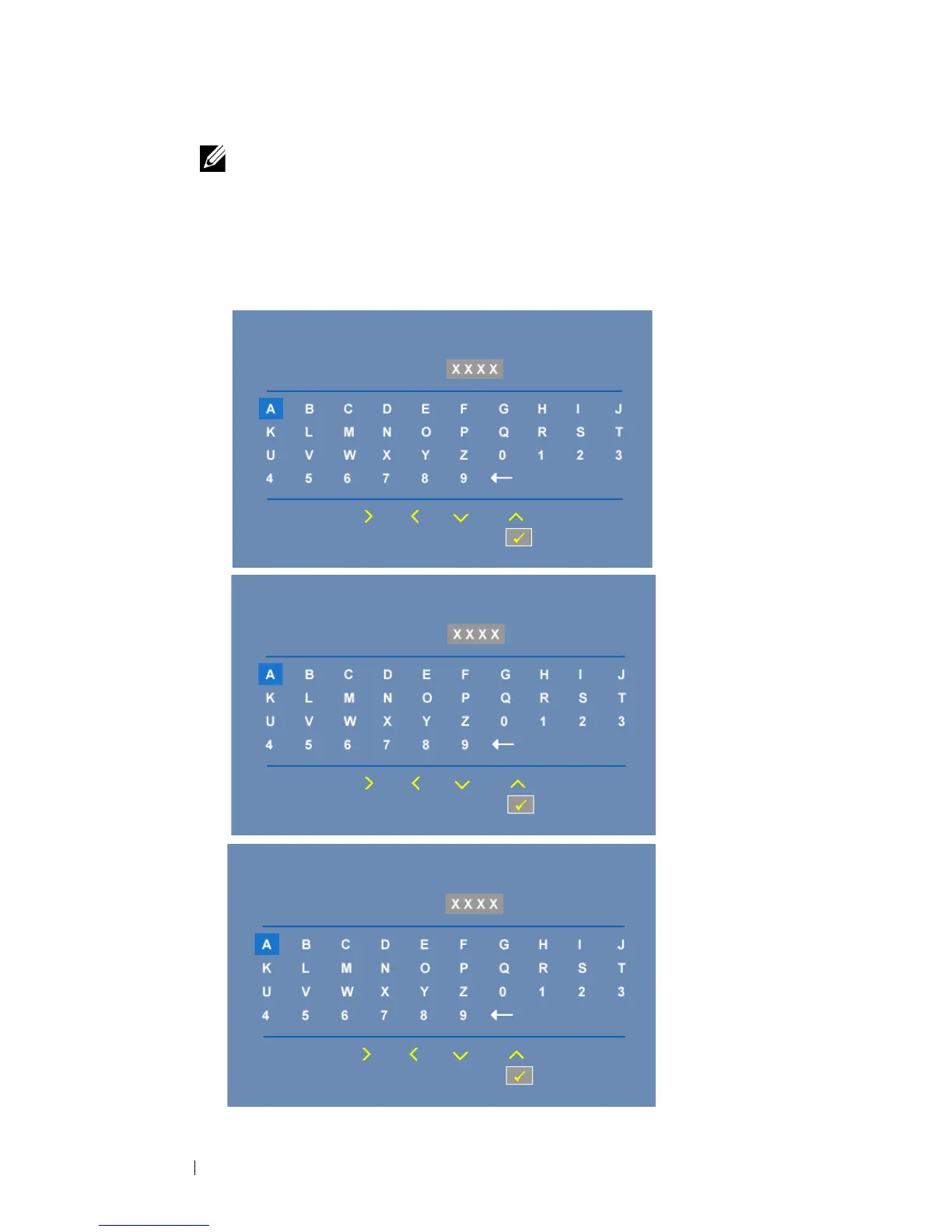
CHANGE PASSWORD—Key in the original password, then enter the new
password and confirm the new password again.
Please key in original password
Password (4 character code):
PPID
CN-0R3KXG-S0081-137-0004
Select
Confirm
Enter
Exit
Please key in new password
Password (4 character code):
PPID
CN-0R3KXG-S0081-137-0004
Select
Confirm
Enter
Exit
Please key in new password agian
Password (4 character code):
PPID
CN-0R3KXG-S0081-137-0004
Select
Confirm
Enter
Exit



 To Next Page