19" LCD Color Monitor Dell 1908FPC
9
2
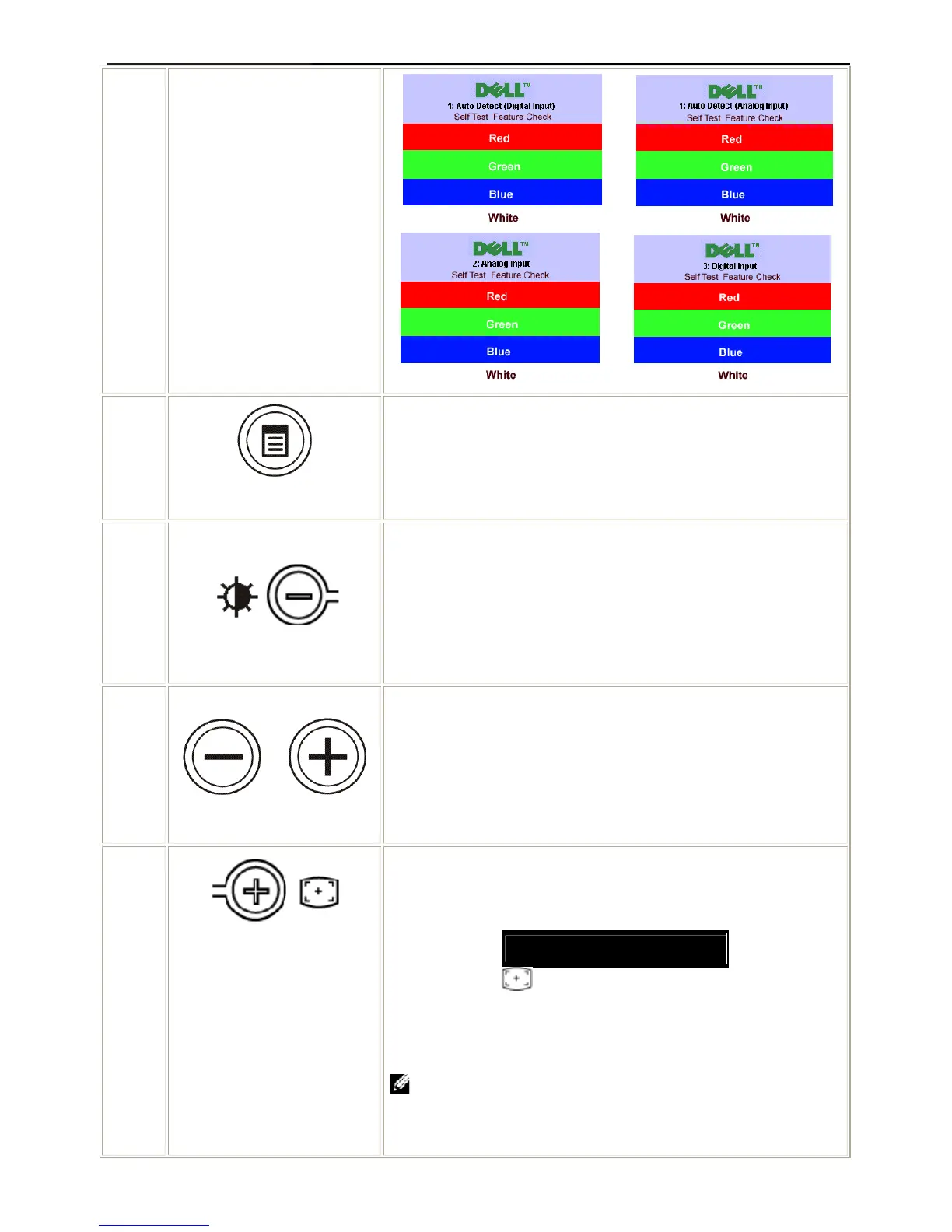
OSD menu / select
The Menu button is used to open and exit the on-screen display
(OSD), and exit from menus and sub-menus. See Using the OSD
Menu.
3
Brightness Menu
Use this button to launch Brightness menu.
3,4
Down (-) and Up (+)
Use these buttons to adjust (decrease/increase ranges) items in the
OSD menu.
4
Auto Adjust
Use this button to activate automatic setup and adjustment. The
following dialog appears on a black screen as the monitor self-adjusts
to the current input:
Auto Adjust In Progress
Auto Adjustment button allows the monitor to self-adjust to the
incoming video signal. After using Auto Adjustment, you can further
tune your monitor by using the Pixel Clock (Coarse), Phase (Fine)
controls in the OSD.
NOTE: Auto Adjust does not occur if you press the button while
there are no active video input signals or attached cables.
or
or












 To Next Page