Connecting Wireless Display Adapter 17
Installing Wireless Display Adapter
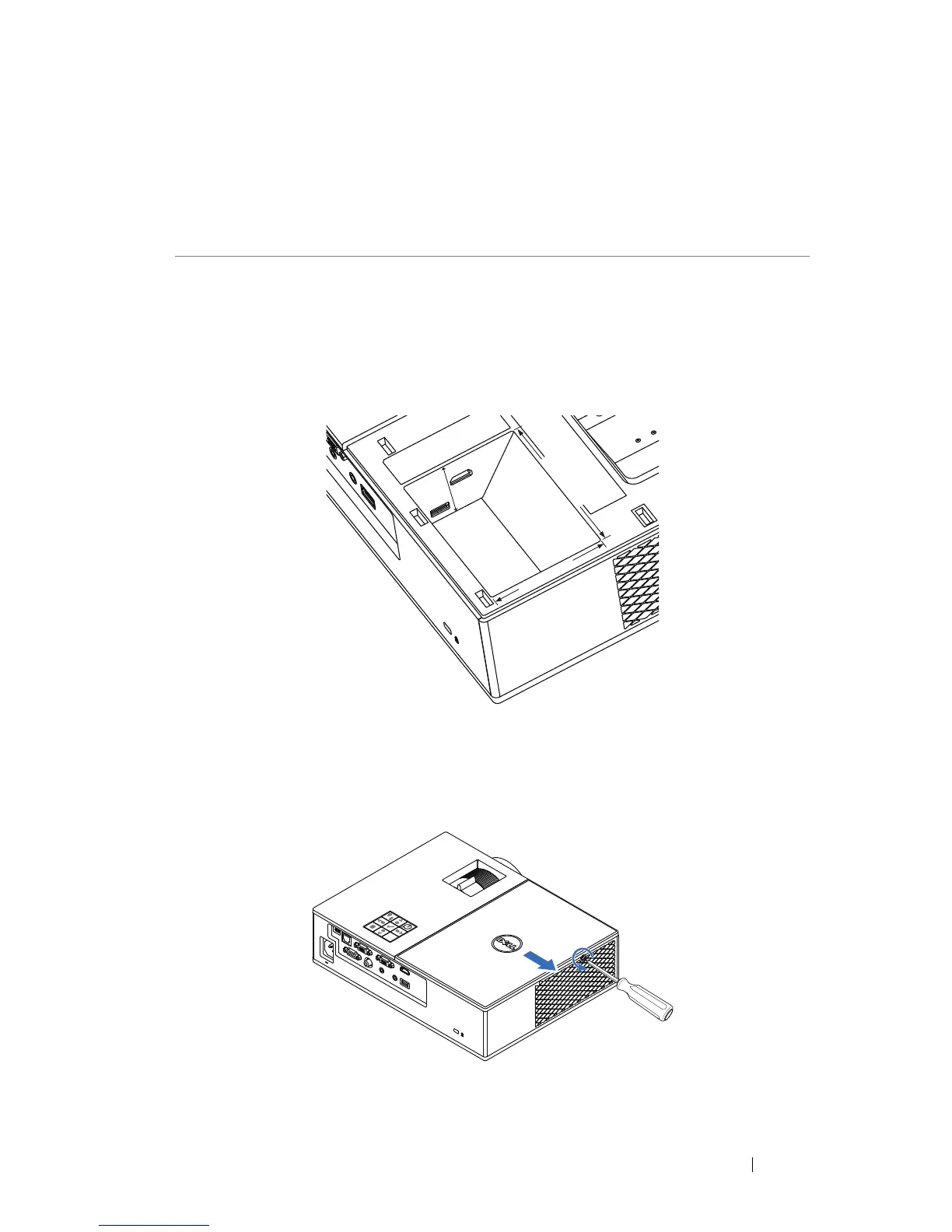
Your projector comes with a secured internal compartment for wireless
display adapter. The wireless display adapter is not shipped with your 4350
projector. The internal compartment has a HDMI and USB power port and its
dimension is 4.21 x 1.57 x 2.67 inches (107 x 40 x 67.9 mm).
The installation steps are as below:
1
Open the top cover, making sure projector is already powered off.
3
Connecting Wireless Display
Adapter
1.57"
(40 mm)
4.21"(107 mm)
2.67"(67.9 mm)



 To Next Page