Receive an e-mail when the printer needs supplies or intervention. Type your name or the key operator's name in the e-mail list box to be notified.
Configure detailed settings for E-Mail Alert. This page can also be displayed by clicking E-Mail Alert in the Left Frame. Available when POP before SMTP for E-
Mail Send Authentication is selected.
a. Available when POP before SMTP for E-Mail Send Authentication is selected.
Copy Printer Settings
Quickly clone copy the printer's settings to another printer or printers on the network just by typing each printer's IP address.
Printing Statistics
Keep track of printing trends such as paper usage and types of jobs being printed.
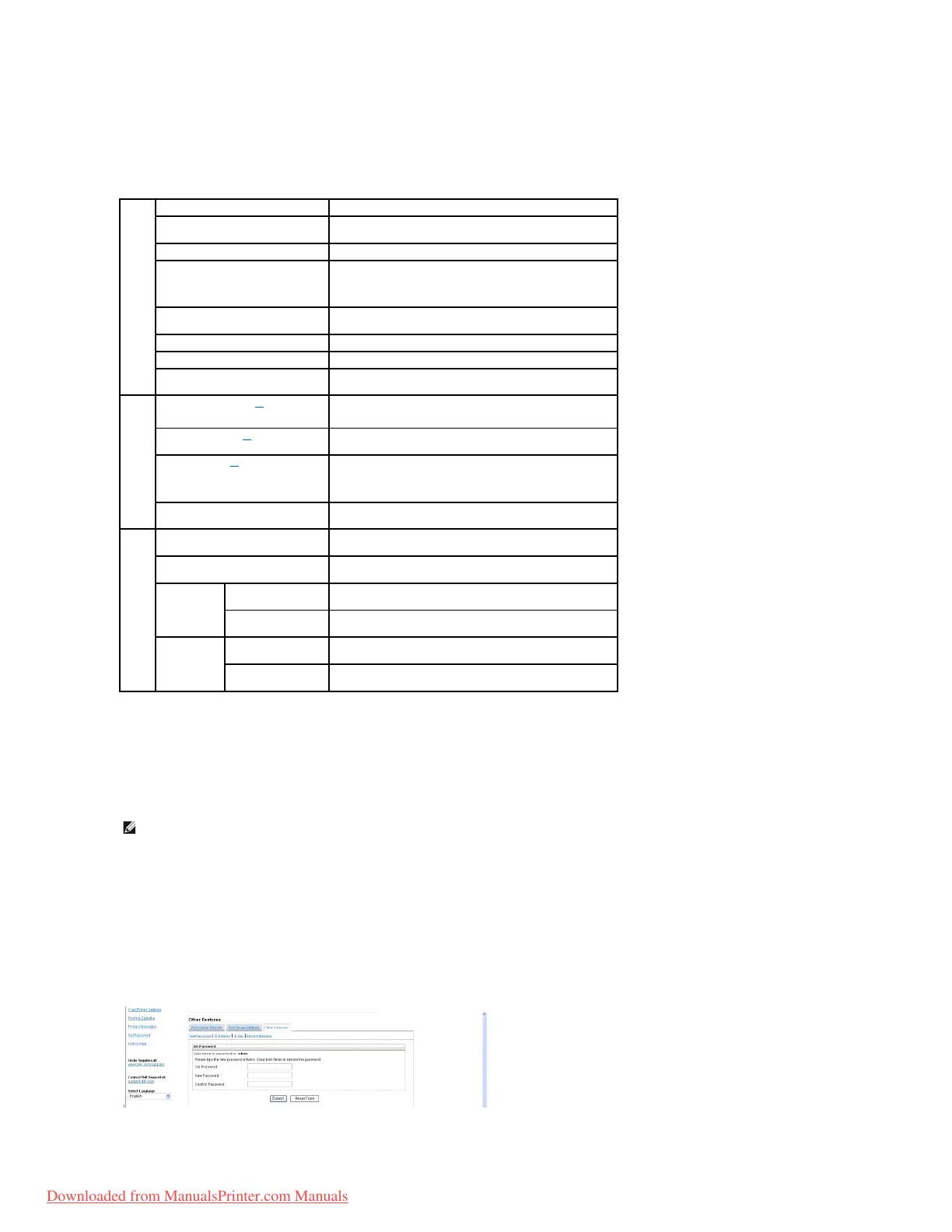
Set Password
Dell Printer Web configuration Tool (EWS) can be locked by setting a password. When any of the printer settings are changed using this tool, it will prompt for
Username and Password. The Username is "admin" and default password is null (No password).
Sets the primary SMTP gateway.
Specifies the SMTP port number. This must be 25 or between
5000 and 65535.
Specifies the authentication method for outgoing e-mail.
Primary SMTP Account Name
Specifies the SMTP login user. Up to 63 alphanumeric
characters, periods, hyphens, under bars, and @ symbols can
be used. If specifying more than one address, separate them
with commas.
Primary SMTP Account Password
Specifies the SMTP account password up to 31 alphanumeric
characters.
Sender's e-mail address registered in the Primary Server.
Timeout of SMTP Server connection.
Designates the reply e-mail address sent with each E-mail
Alert.
Specifies the POP3 server address in IP address format of
"aaa.bbb.ccc.ddd" or as a DNS host name up to 63 characters.
Specifies the POP3 server port number up to 15 alphanumeric
characters.
Specifies the POP3 account user name.
Up to 63 alphanumeric characters, periods, hyphens, under
bars, and @ symbols can be used. If specifying more than one
address, separate them with commas.
Specifies the POP3 account password up to 31 alphanumeric
characters.
Sets acceptable e-mail addresses for the E-Mail Alert feature
up to 255 alphanumeric characters.
Sets acceptable e-mail addresses for the E-Mail Alert feature
up to 255 alphanumeric characters.
Select the check box to receive an E-Mail Alert for
consumables.
Select the check box to receive an E-Mail Alert for paper
handling.
Select the check box to receive an E-Mail Alert for
consumables.
Select the check box to receive an E-Mail Alert for paper
handling.
NOTE: You must be a network administrator to use this feature.
Downloaded from ManualsPrinter.com Manuals














 To Next Page