2. For Windows 2000, select Settings and then Printers.
For Windows XP/2003, select Printers and Faxes.
For Windows Vista, select Control Panel Hardware and Sound Printers.
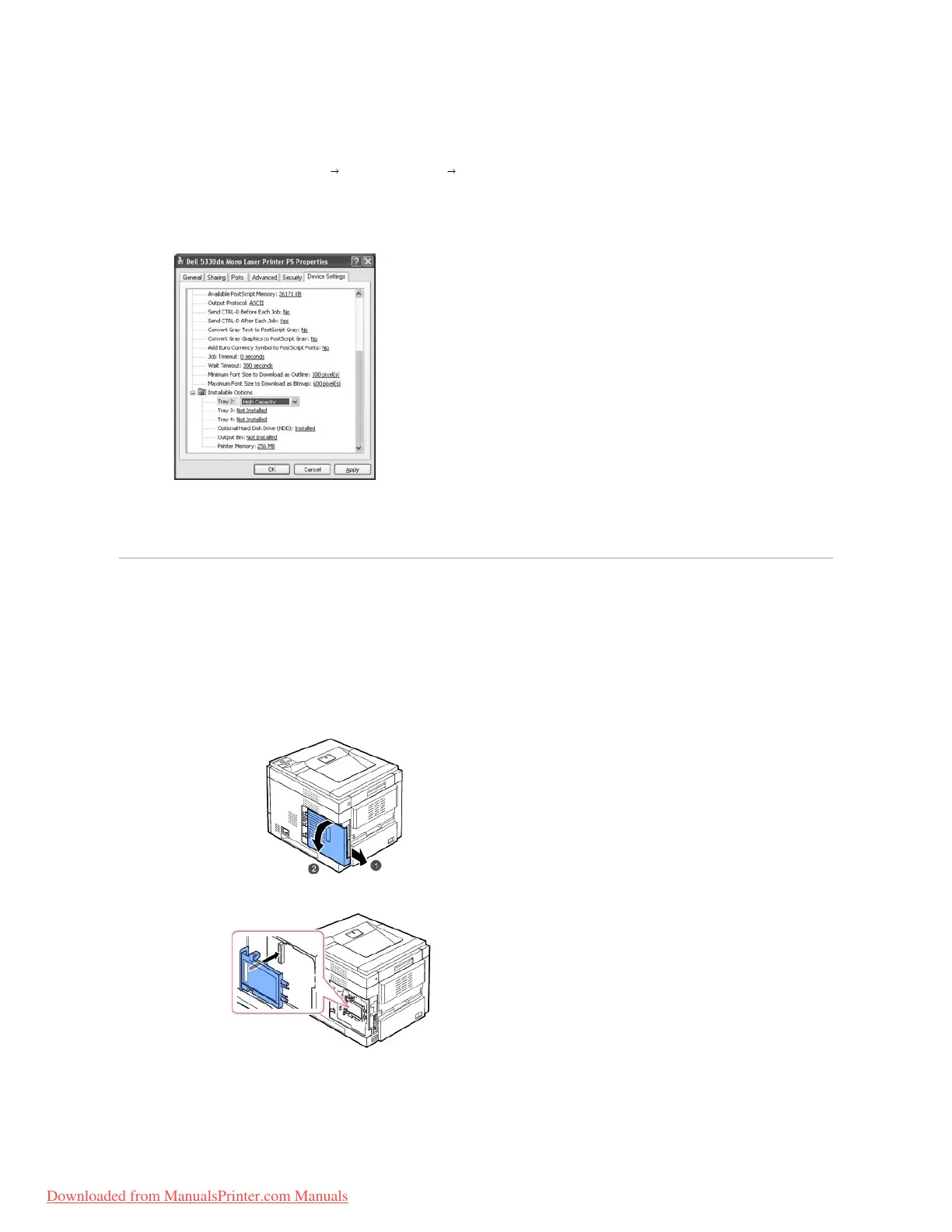
3. Select Dell 5330dn Mono Laser Printer PS.
4. Right-click the printer icon and select Properties.
5. Click the Device Settings tab and select High Capacity from the Tray 2 drop-down list.
6. Click OK.
Using the Hard Disk
Installing the hard disk allows the data from your computer to be sent to the printer's hard disk print queue. This decreases the computer's workload. You can
also use various print features, such as storing a job in the hard disk, proofing a job, and printing private documents.
Installing the Hard Disk
1. Turn the printer power off and unplug the power cord and printer cable from the printer.
2. Grasp the control board cover and remove it.
3. Align the connector on the hard disk with the connector on the control board. Push the hard disk in until it is locked into place.
4. Fasten the three screws supplied with your new hard disk.














 To Next Page