Getting Started 11
1
Getting Started
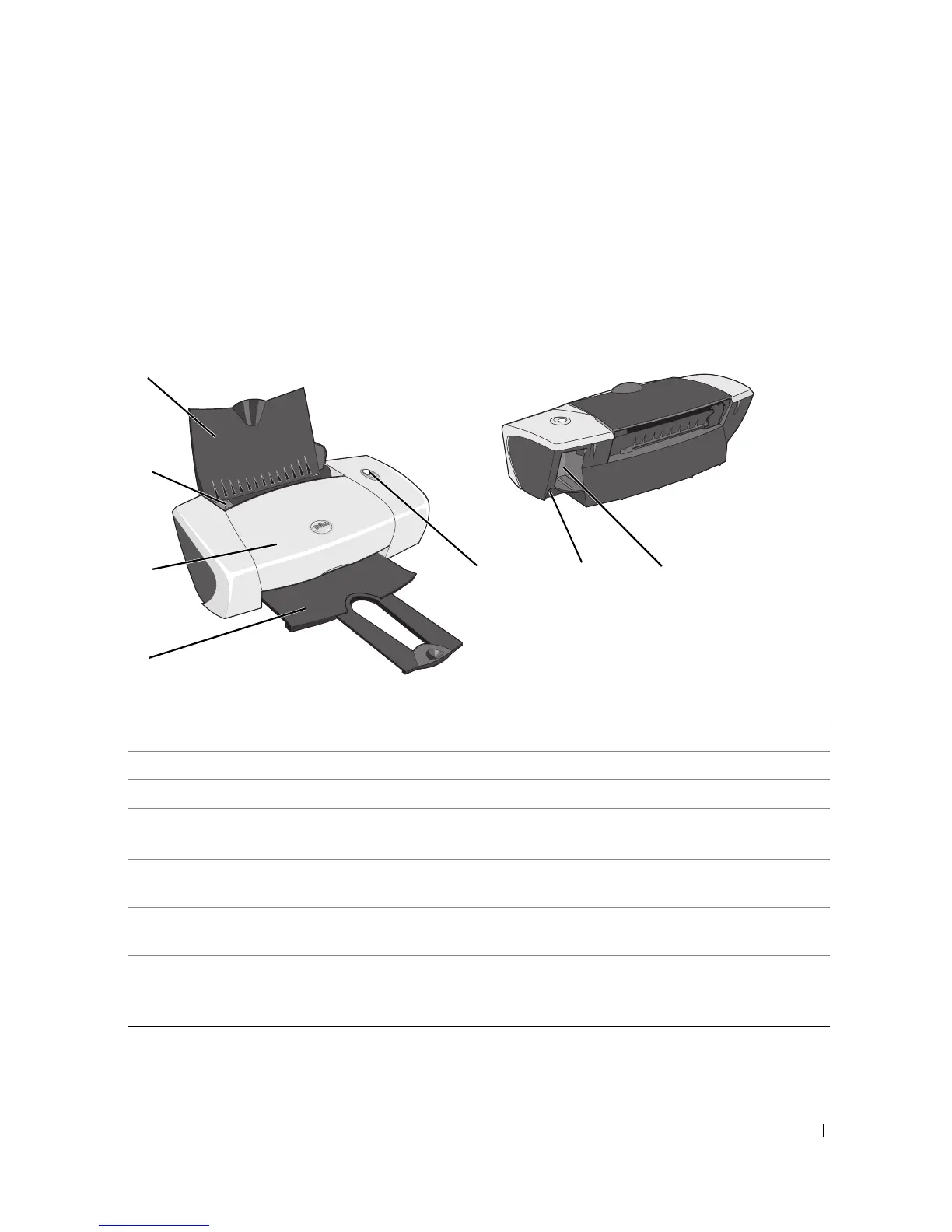
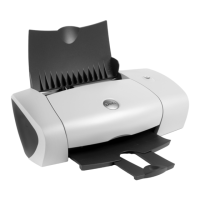
Understanding the Printer Parts
Number: Part: Description:
1 Paper support Part that supports loaded paper.
2 Paper guide Guide that helps the paper feed into the printer properly.
3 Front cover Cover to open to change ink cartridges.
4 Paper exit tray Tray that holds the paper as it exits the printer.
NOTE: Pull the paper exit tray straight out to extend it.
5 Power/Resume button Button to turn the printer on or off or eject paper from the
printer.
6 USB connector Slot into which you plug the USB cable (sold separately).
The other end of the USB cable plugs into your computer.
7 Power connector Slot into which you plug the power adapter.
NOTE: Insert the power adapter into the printer before
connecting the power cable into the wall outlet.
1
2
3
4
567







 To Next Page