Ink Cartridge Maintenance 27
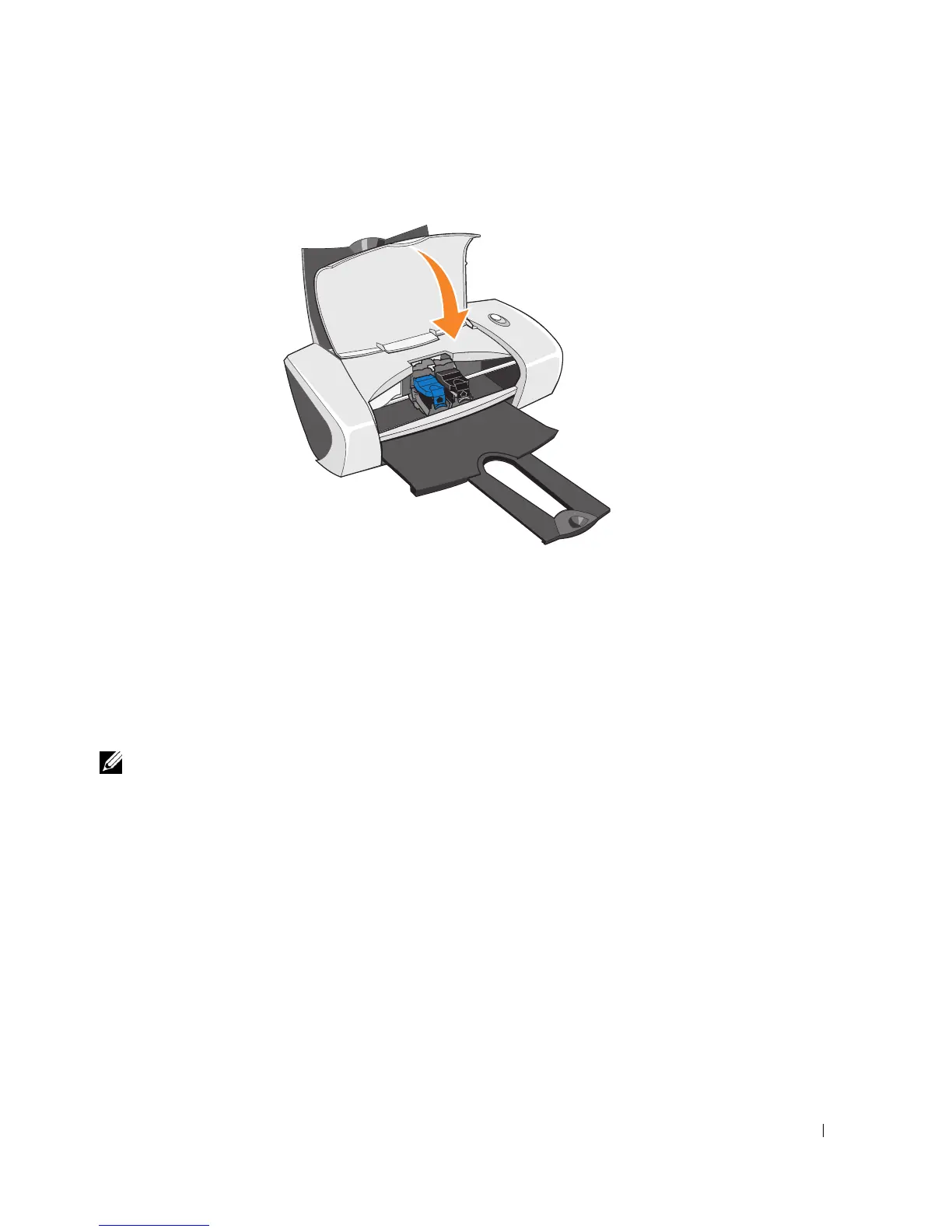
9 Close the front cover. The front cover must be closed to start a print job.
10 Open the Dell Printer Solution Center by clicking Start→Programs or All Programs→Dell
Printers→Dell Photo Printer 720→Dell Printer Solution Center.
11 Click the Maintenance tab.
12 Click Install a new print cartridge.
13 Click Next.
14 Select the type of cartridge you installed.
NOTE: Specify whether the cartridge is a new cartridge or an old cartridge (one that has been used
before). If an old cartridge is incorrectly identified as New Cartridge in the Dell Printer Solution
Center, ink levels may be incorrect.
15
Click Next.
16 If you installed a new cartridge, continue with "Aligning Ink Cartridges" on page 28.







 To Next Page