32 Troubleshooting
www.dell.com | support.dell.com
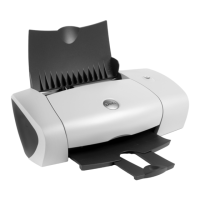
Removing and Reinstalling Software
If your printer does not function properly or communication error messages appear when using
your printer, you can remove and reinstall the printer software.
1 Click Start→Programs or All Programs→Dell Printers→Dell Photo Printer 720→Uninstall
Dell Photo Printer 720.
2 Follow the instructions on the screen.
3 Restart your computer.
4 Insert the Drivers and Utilities CD, and then follow the instructions on the screen.
If the installation screen does not appear:
a In Windows XP, click Start→ My Computer.
In Windows 2000, double-click My Computer from your desktop.
b Double-click the CD-ROM drive icon. If necessary, double-click setup.exe.
c When the printer software installation screen appears, click Install or Install Now.
d Follow the instructions on your screen to complete the installation.
SET YOUR PRINTER AS THE DEFAULT PRINTER —
Windows XP
1 Click Start→Control Panel→Printers and Other Hardware→ Printers and Faxes.
2 Right-click Dell Photo Printer 720 and select Set as Default.
Windows 2000
1 Click Start→Settings→Printers.
2 Right-click Dell Photo Printer 720 and select Set as Default.







 To Next Page