Learning about your printer 3
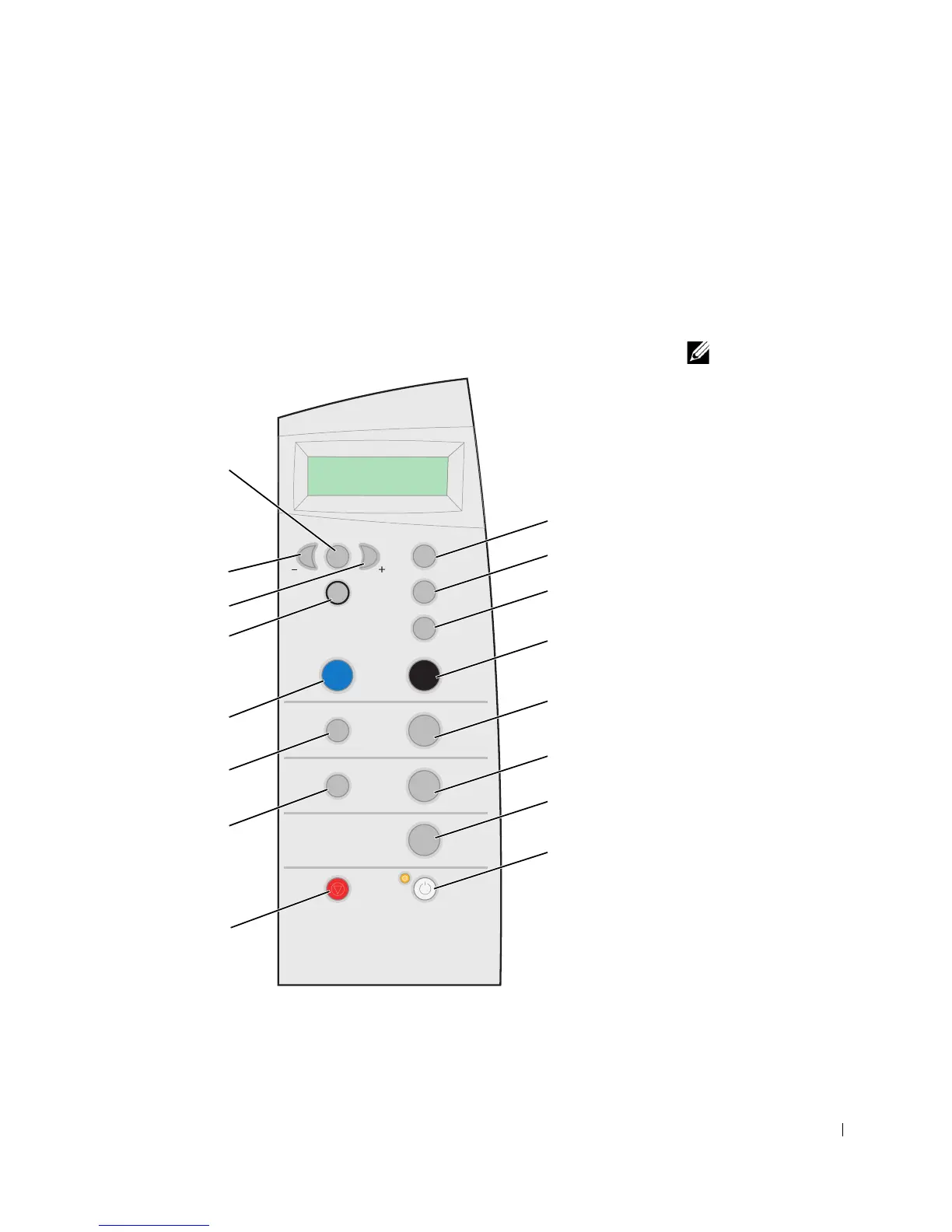
Understanding the operator panel
The operator panel buttons help you scan, copy, fax, and customize documents.
The light indicates whether the printer is on, and the display features the printer
status, messages, and menus. You can press and hold some buttons to scroll
through a list of options on the display. The table on page 4 shows what each
button does.
NOTE: Button functions
(except Cancel) are
disabled during printing,
copying, and scanning.
15
13
11
10
9
1
2
3
4
5
6
7
8
12
14
16



 To Next Page