8 Learning about your printer
www.dell.com/supplies | support.dell.com
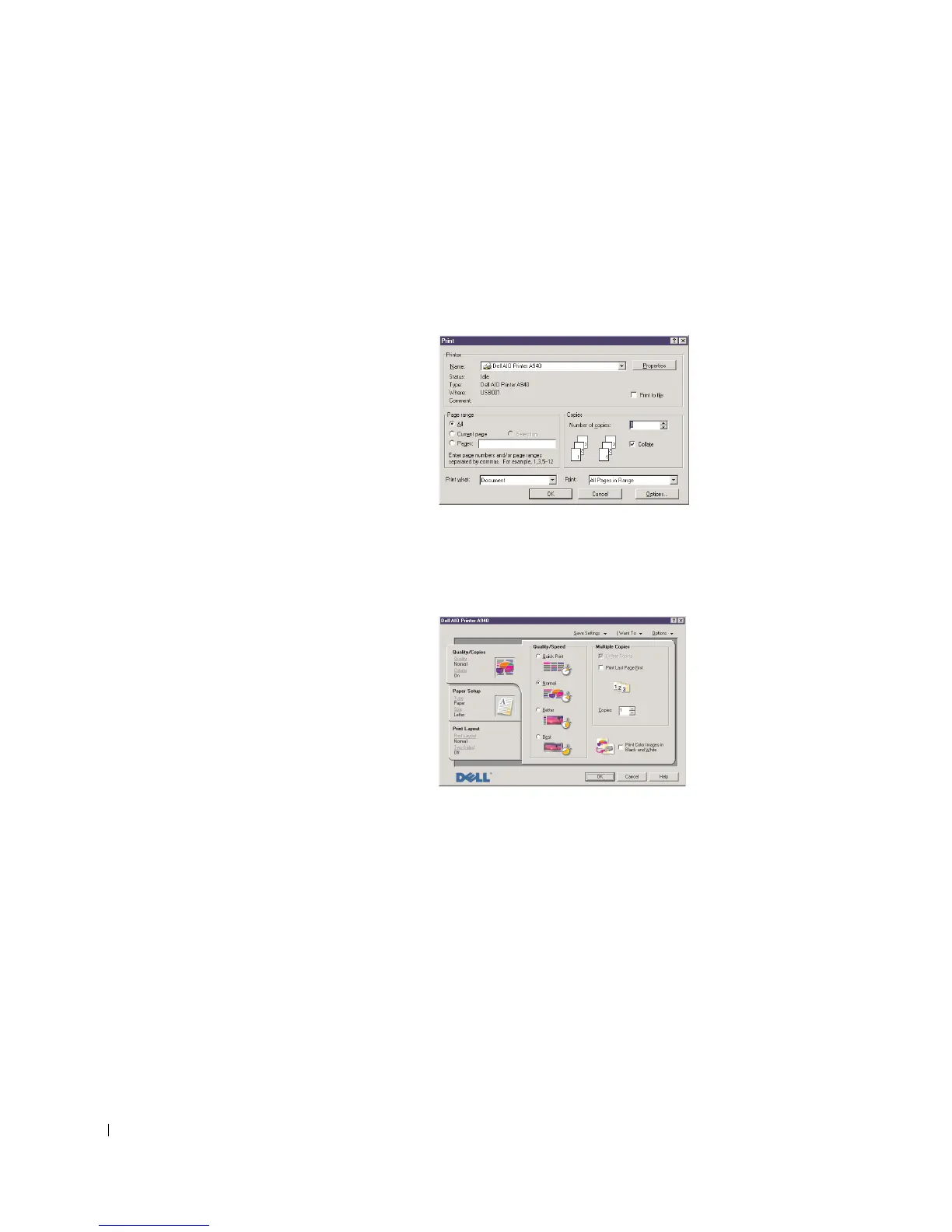
Accessing Print Properties
You can change your printer settings in Print Properties. To open Print
Properties:
1 With your document open, click File → Print.
The Print dialog box appears.
2 In the Print dialog box, click Properties, Preferences, Options, or Setup
(depending on your program or operating system).
The Print Properties screen appears.



 To Next Page