Learning about your printer 9
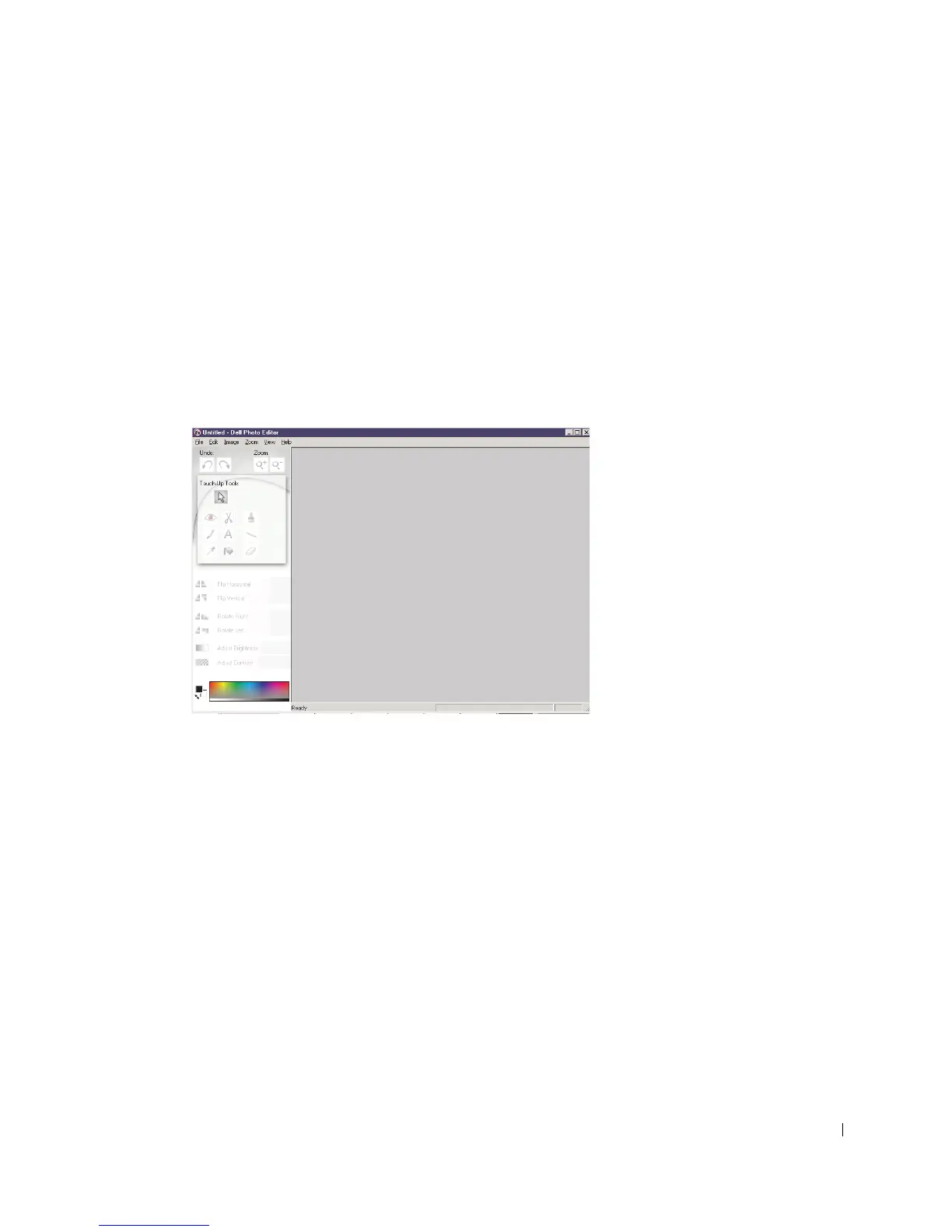
Using the Dell Photo Editor
The Dell Photo Editor lets you adjust photo attributes (brightness, contrast, and
orientation) of scanned images.
There are two ways to open the Dell Photo Editor:
•Click Start
→ Programs → Dell Printers → Dell AIO Printer
A940
→ Dell Photo Editor.
• From the All-In-One Center, send scanned image to Photo Editor.
The Dell Photo Editor appears.



 To Next Page