Troubleshooting 49
Paper Jam message
Your printer has a paper jam. To clear a paper jam:
1 Press Power to turn the printer off.
2 Pull slowly and firmly on the paper to remove it.
3 Press Power to turn the printer back on.
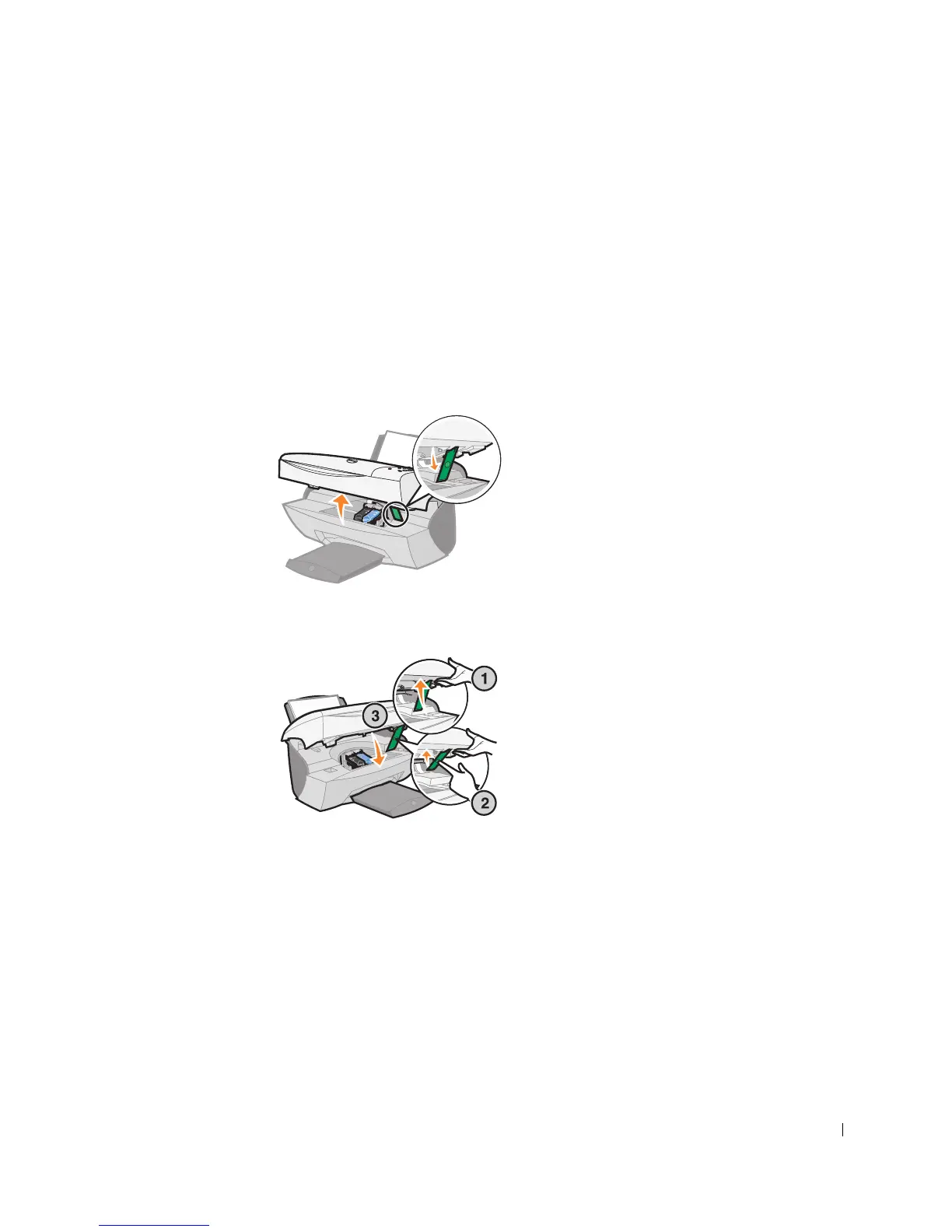
If you cannot reach the paper because it is too far into the printer:
1 Lift the printer (scanner unit), and then pull the paper out.
2 Lower the printer (scanner unit) to close it.
3 Press Power to turn the printer on, and then send your document to print.



 To Next Page