22 Using your printer
www.dell.com/supplies | support.dell.com
Print a banner
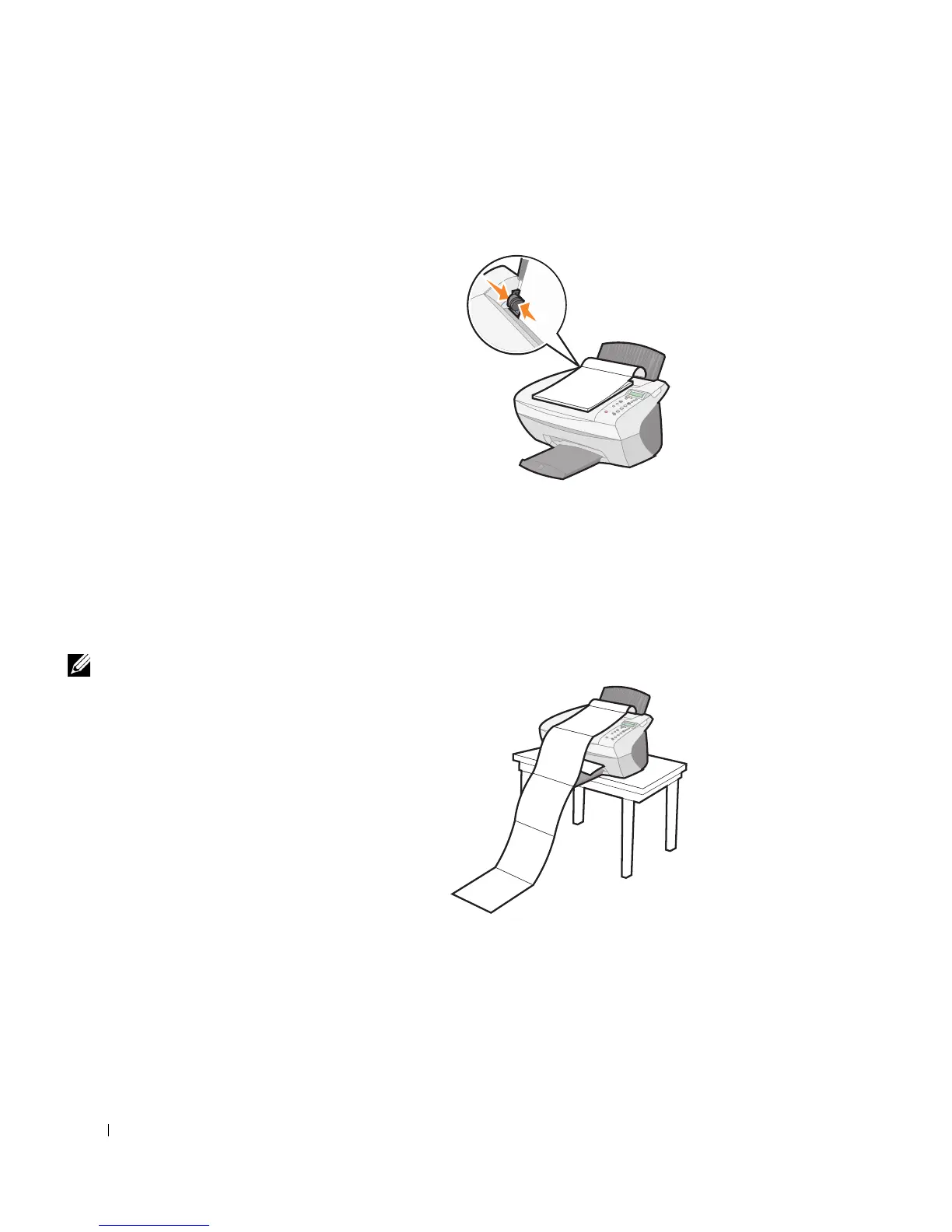
1 Place the stack of banner paper on the top cover, and feed in the first sheet.
2 Click Start → Programs → Dell Printers → Dell AIO Printer
A940
→ Dell Printer Solution Center.
3 Click the How To tab.
4 From the Projects drop down dialog box, select Banners.
5 Click View and follow the instructions to print your banner.
NOTE: Once the printer
begins printing, wait until
you can see the leading
edge of the banner exiting
the printer, and then
carefully unfold the paper
down to the floor in front
of the printer.



 To Next Page