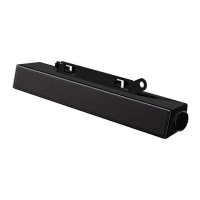
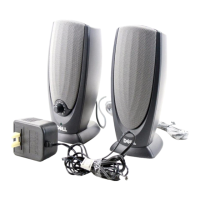
2. If the AC411 still does not work, try to replace the AC411 with a known good Speaker
- AC411 Distorted Sound
Troubleshooting Guide:
1. AUX in mode
Clear out all obstructions between the AC411 and the user.
Confirm that the audio AUX IN plug is completely inserted into the jack of the AUX IN and the sound card.
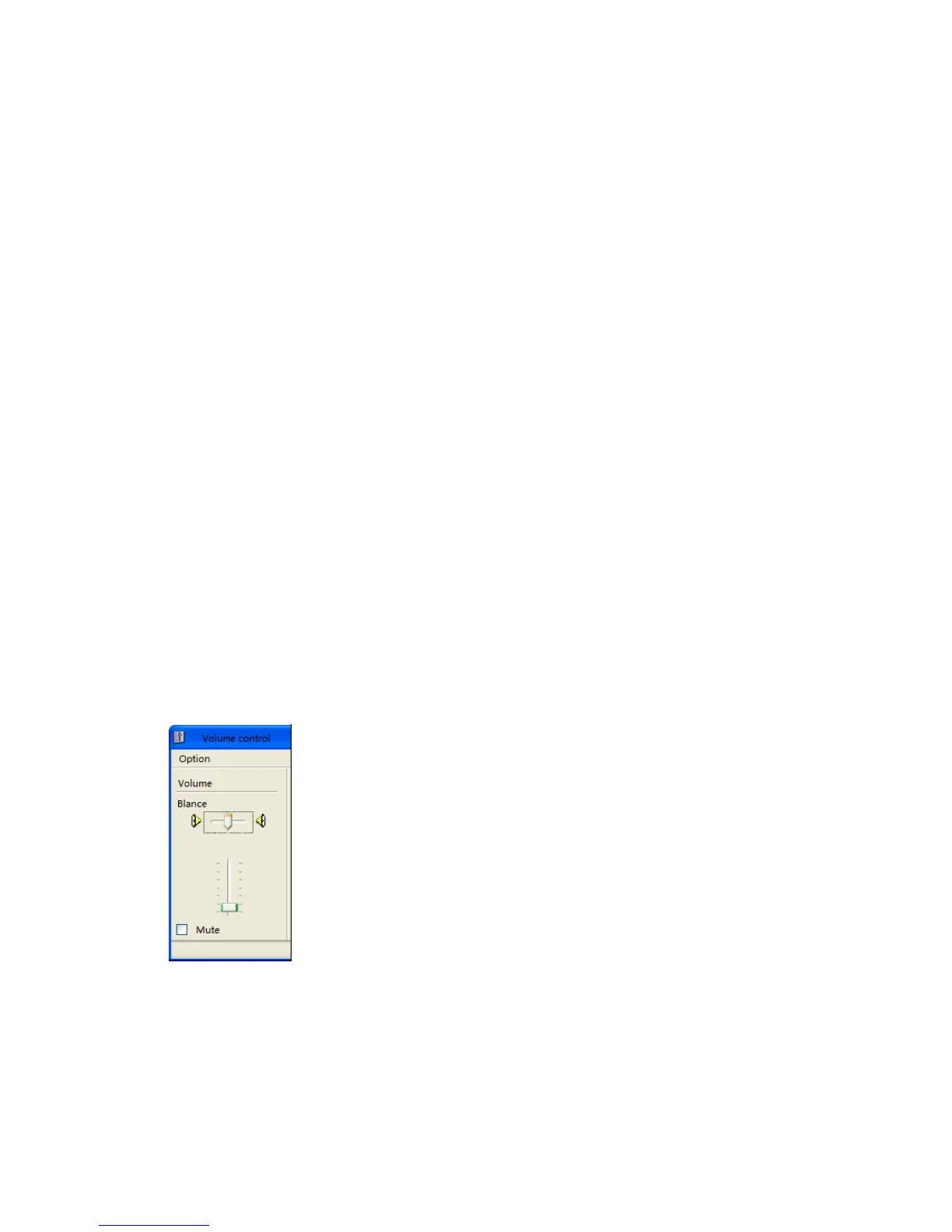
Set all volume controls to their midpoints.
Decrease the volume of the audio application.
Turn the volume level to lower by rotating the AC41’s knob counter-clockwise.
Clean and reset all cables again. (E.g. power cable, satellite cable, remote control cable, AUX IN cable)
Test the AC411 speaker using another audio source (for example, a portable CD player or MP3).
Ensure no loose objects are touching the speaker.
2. Bluetooth mode
Clear out all obstructions between the portable speaker and the user.
Decrease the volume of the audio source.
Turn the volume level to lower by rotating the AC411’s knob counter-clockwise.
Clean and reset cables again. (E.g. power cable, satellite cable, remote control cable)
Turn the bass or wave setting lower.
Ensure no loose objects are touching the speaker.
- Unbalanced Sound Output
Troubleshooting Guide:
Sound from only one side of portable speaker
Clear any obstructions between the portable speaker and the user.
Confirm that the satellite speaker or the audio line-in plug is completely inserted into the jack of the sound
card or audio source.
Set Windows audio balance controls (L-R) to their midpoints.
Clean and reset all cables again.
Test the AC411 speaker using another audio source (for example, a portable CD player or MP3)
-Weak Volume Output
Troubleshooting Guide:
1. Volume is too low
Clear any obstructions between the portable speaker and the user.
Turn the volume to higher level by rotating the knob clockwise.
Set all Bluetooth device or Windows volume controls to their maximum.
Increase the volume of the audio application.


 To Next Page