Using Internet Features
110
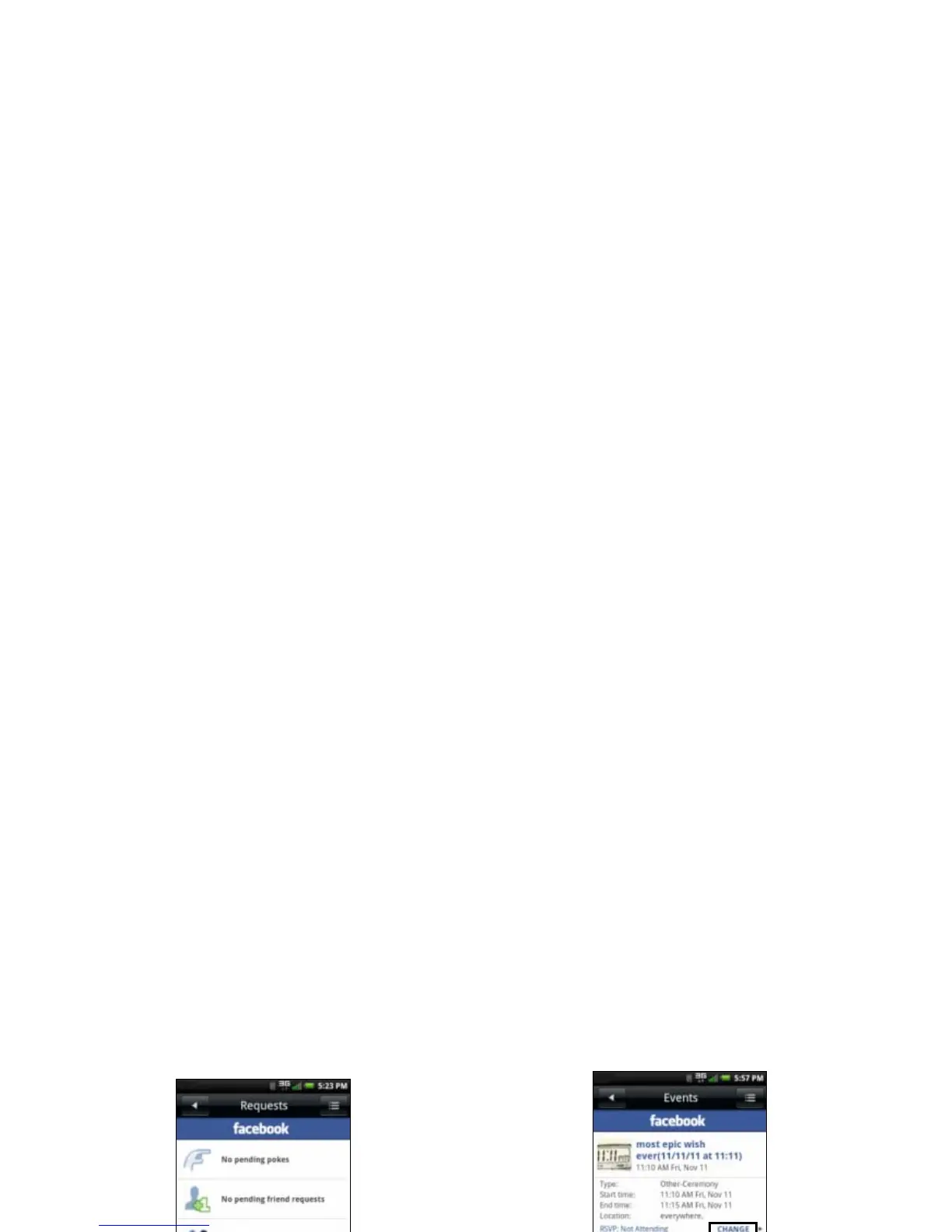
2 Tap Requests.
3 Tap the request category to view.
Viewing Events
1 Tap the Facebook icon to open the Facebook
screen.
2 Tap Events to display upcoming and past
events.
3 To accept or decline an event, tap the event.
4 Tap Change to modify your response.
5 Tap one of the following options: Attending,
Maybe Attending, or Not Attending.
6 Tap OK.
Managing Photos
1 Tap the Facebook icon to open the Facebook
screen.



 To Next Page