Using Email Features
120
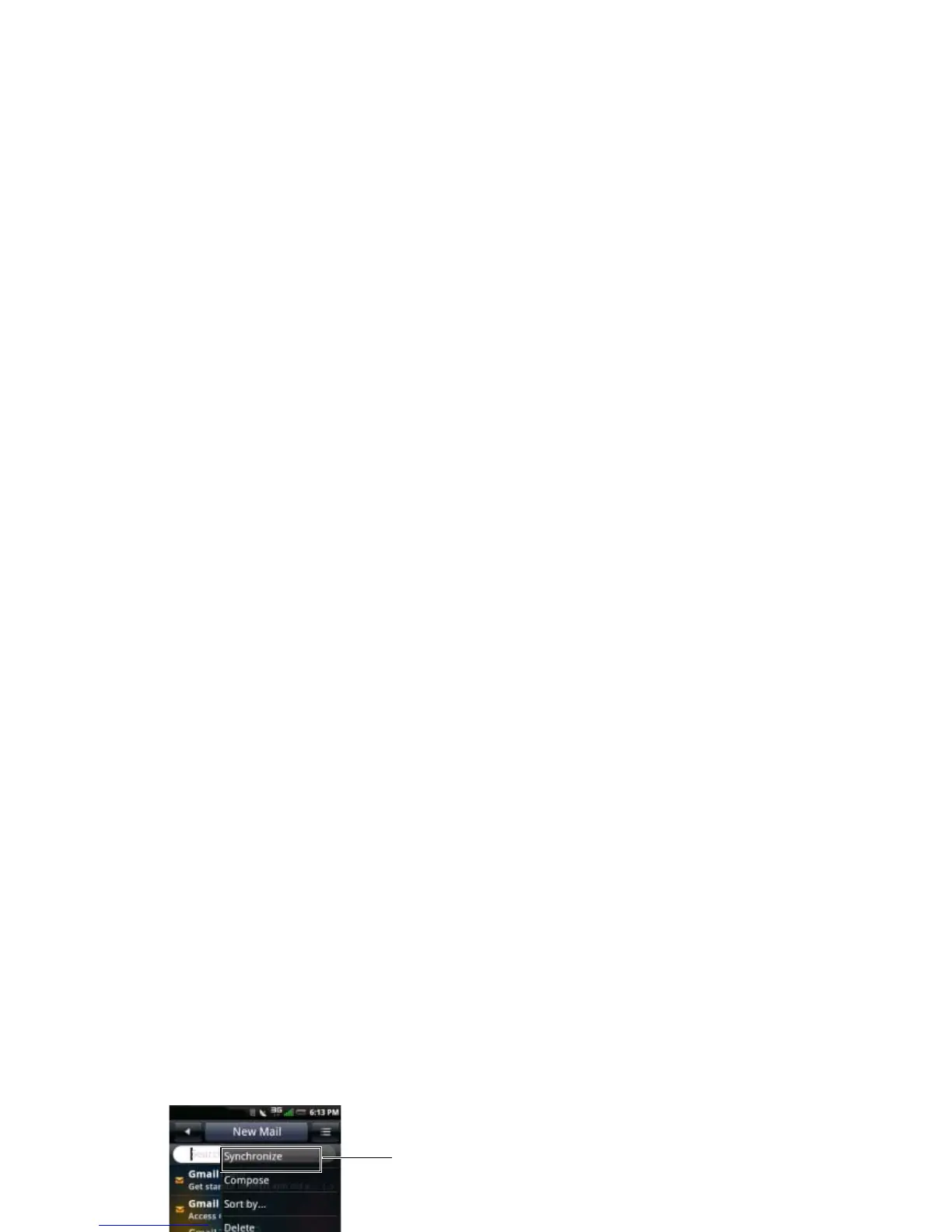
2 Tap the Options menu button and tap
Synchronize to receive new Emails.
3 Tap Inbox to open your inbox folder and read
your unread mails.
4 To exit this screen, tap the Home/Back
button.
Deleting Messages
1 Tap the Email icon and tap an Email account
to open the Email screen.
2 Tap the Options menu button and then tap
Delete.
3 Tap to select the messages you want to
delete.
1 Synchronize option



 To Next Page