Using Network Features
152
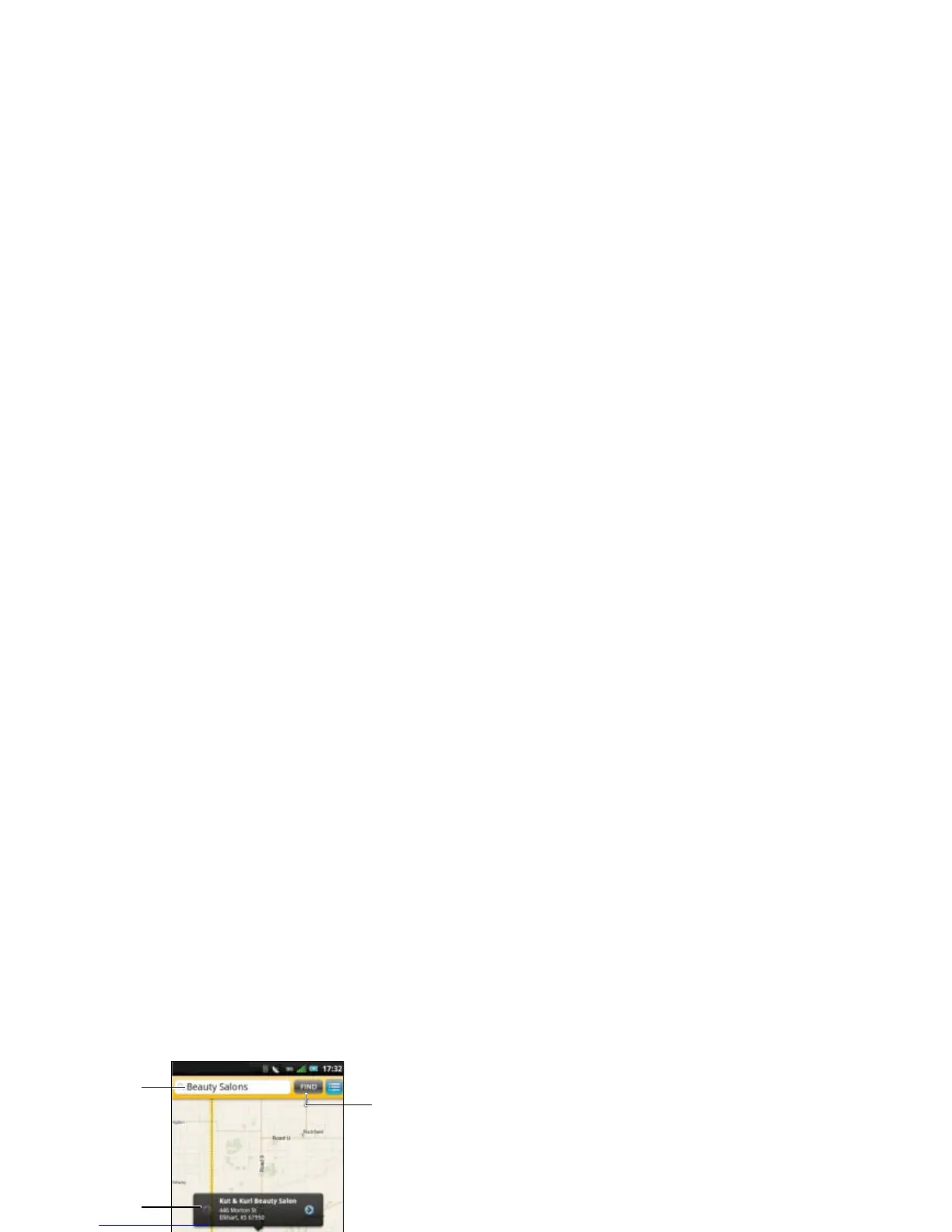
To view the information screen, tap the
callout.
To view your current location on the map, tap
the Current location icon.
To zoom in or zoom out, tap the Zoom in or
Zoom out icon.
To close the map, tap the Close icon.
4 The address, phone number, and other
information is displayed. Tap any of the
following icons:
• Call — Select to call the establishment.
• Map — Select to view the location on
the map.
• Street View — Select to display a
street view map.
• Add To — Select to save the
establishment’s contact information to
Contacts.
• Share — Select to send the
establishment’s contact information
using Messaging or Email.
1 Search text box
2 Callout
3 Current location icon
4 Zoom in icon
5 Zoom out icon
6 Close icon
7 Find icon



 To Next Page