Basic Smartphone Functions
42
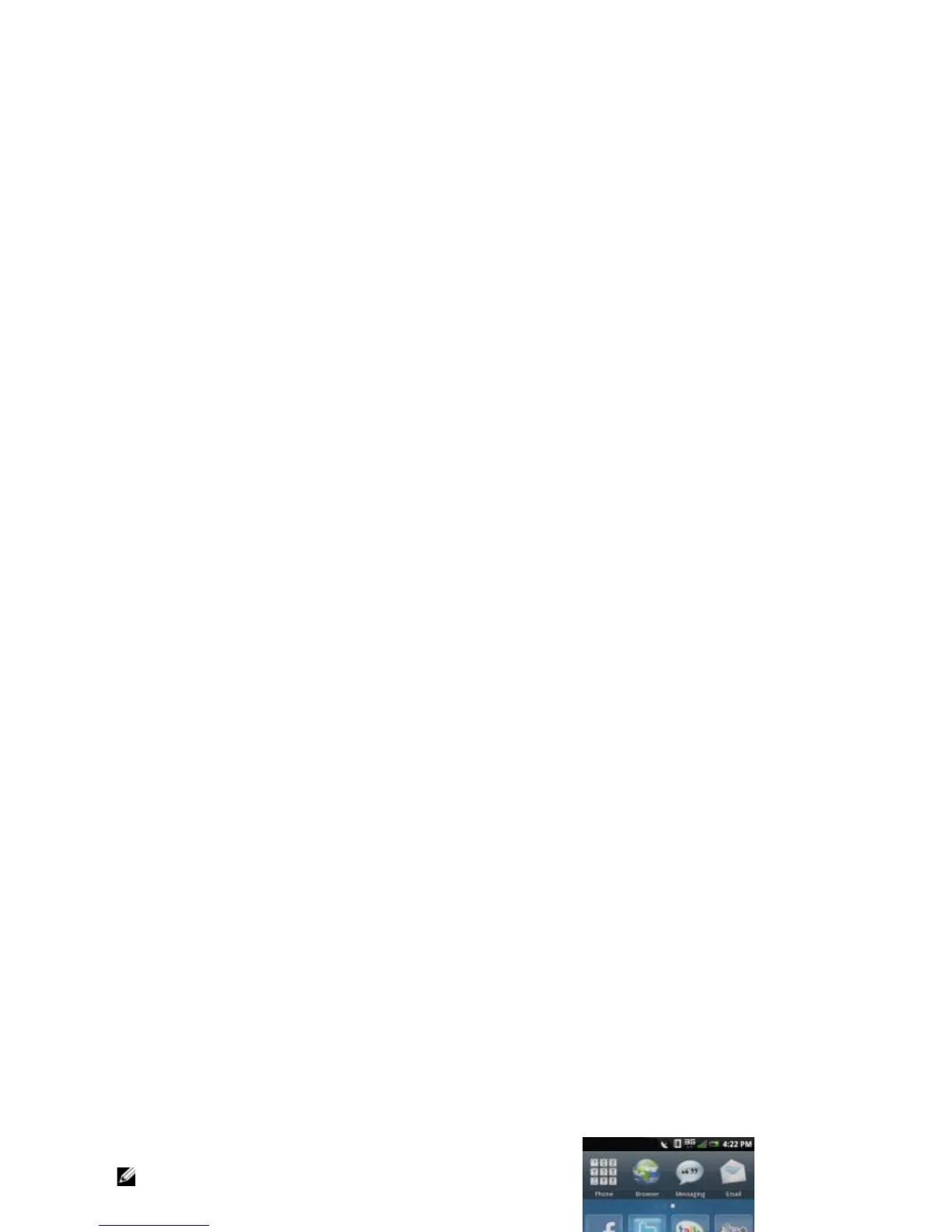
Moving Items on the Phone Display Panel
1 Tap and hold the item until the Delete icon
appears.
2 Tap and drag the item to its new location.
NOTE: If you want to cancel moving the
item, press the Back key.
Adding Items on the Phone Display Panel
1 Press the Options key to display the MyPanel
pop-up.
2 Tap Add.
3 Tap the type of item to add: Applications,
Shortcuts, Native tools, or Remote widgets.
4 Tap an option to add the item.
Removing Items on the Phone Display Panel
1 Tap and hold the item until the Delete icon
appears.
2 Tap the Delete icon to delete the item.
1 Delete icon



 To Next Page