Using the Smartphone
70
You can switch out of the In call screen by tapping
the Home/Back button to continue using other
features on the phone.
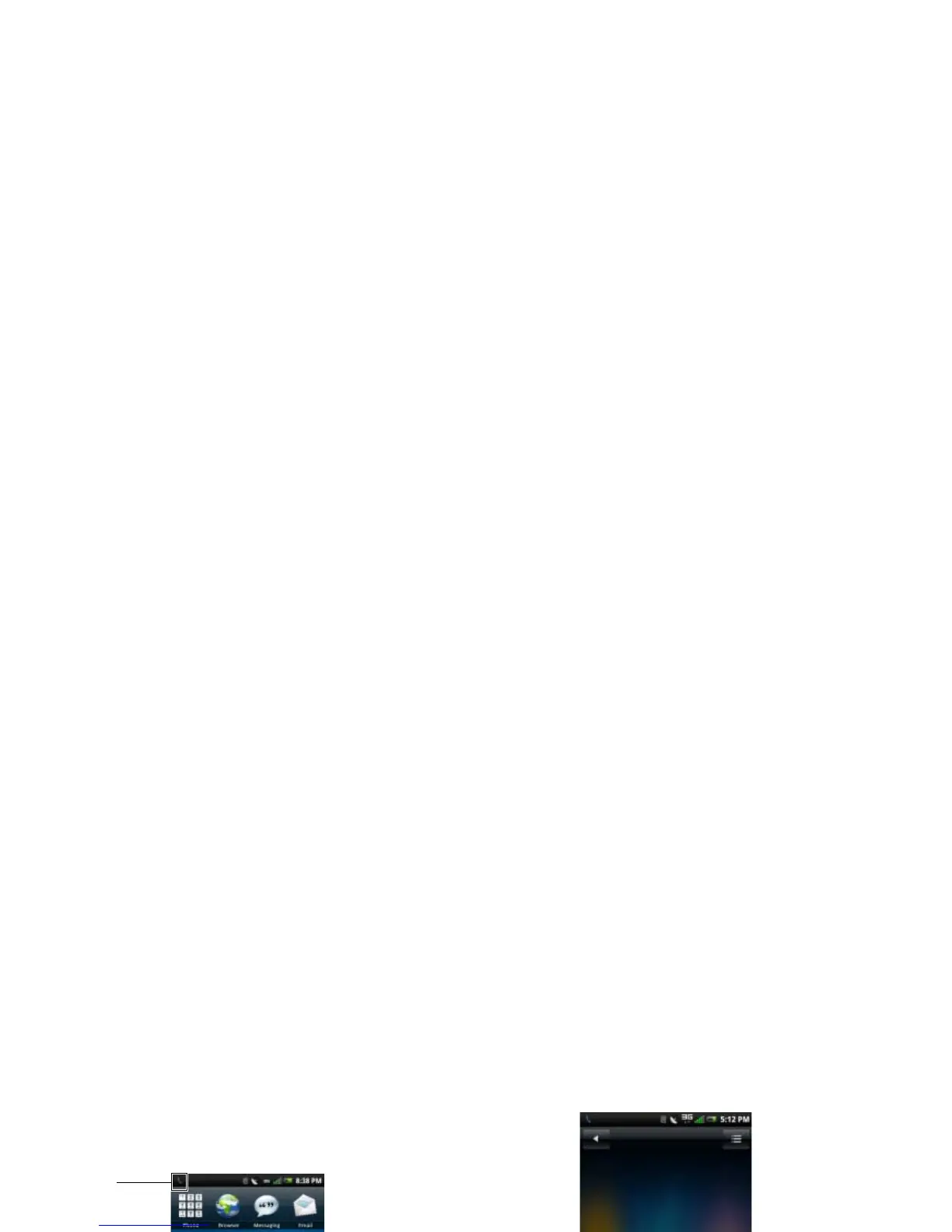
The Ongoing call icon will be displayed in the status
bar during your phone call.
Ending a Call
Tap the End call tab to end the phone call.
NOTE: Making a new phone call before ending
the current call places the current call on hold.
1
Ongoing call icon



 To Next Page