Operating the Monitor | 37
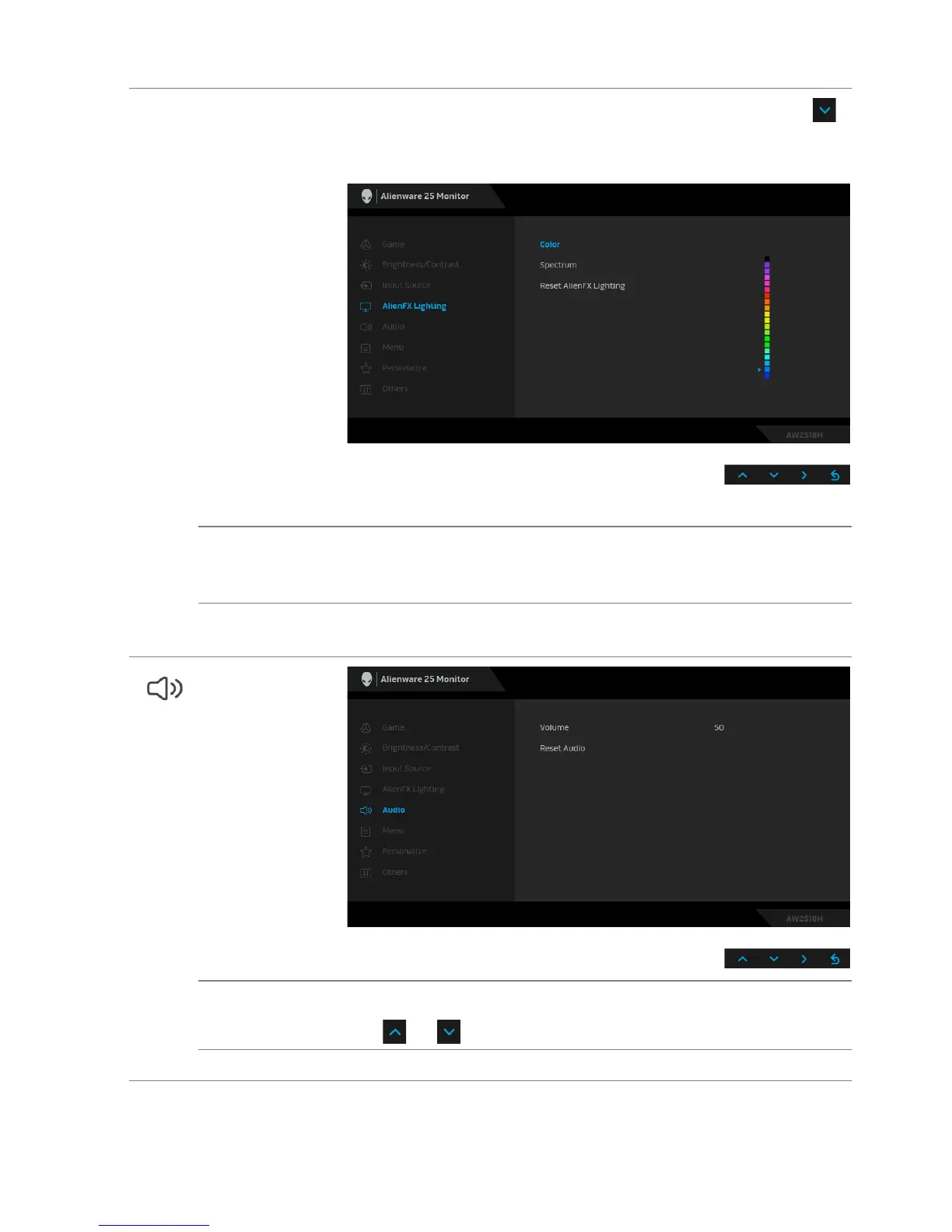
Color
To specify an LED lighting color, select On and press
the
button to highlight the Color option, then you can make a
selection from the list of 20 available colors.
To turn off the LED lighting function, select Off.
Spectrum When you select On, t
he LED lighting glows and changes
colors in sequence of spectrum: red, orange, yellow, green,
blue, indigo, and violet.
Reset AlienFX
Li
ghting
Select this option to restore default lighting settings.
Audio
Volume Allows you to set the volume level of headphone output.
Use or to adjust the volume level from 0 to 100.
Reset Audio Select this option to restor
e default audio settings.













 To Next Page