3 NOTE: It is recommended to shut down the computer and connect
the Graphics cable from the Alienware Graphics Amplifier to your
computer and then powering on the computer to dock with the
graphics amplifier.
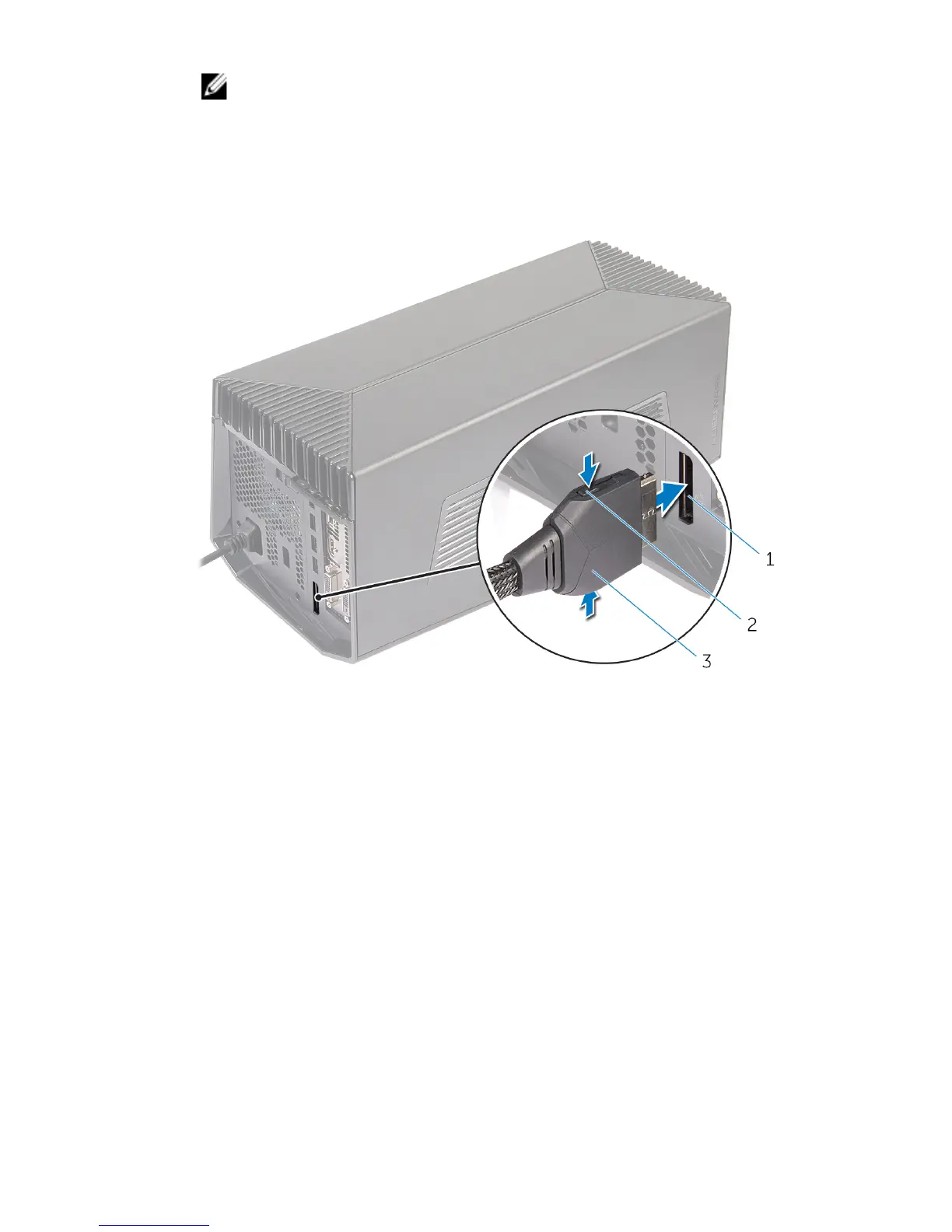
Press the release clips and connect one end of the graphics cable to the
external graphics port on the Alienware graphics amplifier.
1 external graphics port 2 release clips (2)
3 graphics cable
28















 To Next Page