Disconnecting Alienware
Graphics Amplifier
CAUTION: Do not disconnect the graphics cable until the computer
has shut down and the light on the graphics cable has turned off.
1 Save and close all open files and exit all open applications.
2 Shut down your computer.
CAUTION: Do not disconnect the graphics cable until the
computer has shut down and the light on the graphics cable has
turned off.
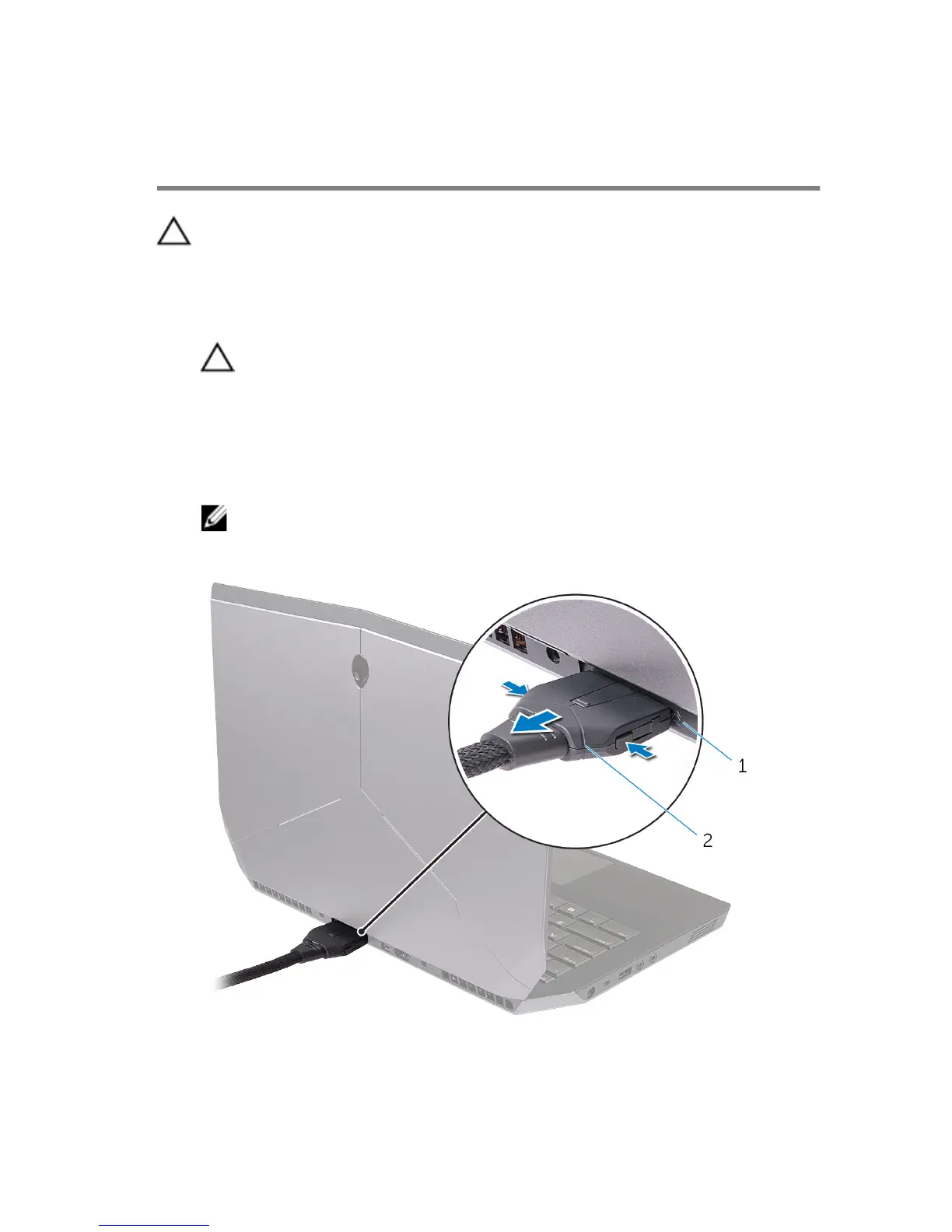
3 After the light on the graphics cable has turned off, press the release clips
on the graphics cable to disconnect it from the external graphics port on
the computer.
NOTE: Shut down your computer before you disconnect the
graphics cable.
1 external graphics port 2 graphics cable
31















 To Next Page