08
08
/
CHAPTER 1: SETTING UP YOUR NOTEBOOK
Windows VistaSTEP 3.
®
Setup
CAUTION: Do not interrupt the operating system’s setup process. Doing
so may render your notebook unusable.
If you selected Windows Vista operating system while ordering, your notebook
is precongured with Windows Vista. To set up Windows Vista for the rst time,
follow the instructions on the screen. ese steps are mandatory and may take up
to 15 minutes to complete. e screens will take you through several procedures
including accepting license agreements, setting preferences, and (optionally)
setting up an Internet connection.
Connecting to the Internet
If you do not set up your Internet connection during the Vista Setup,
Click 1. Start (Windows Vista
®
logo) > Control Panel > Network and Internet.
Click 2. Connect to the Internet.
Follow the instructions on the screen. 3.
For more help and information about creating a new Internet connection, click
Start (Windows Vista
®
logo) > Help and Support and perform a search for “Internet
connection.”
Connecting to a Home Network
Click 1. Start (Windows Vista
®
logo) > Control Panel > Network and Internet.
Click 2. Connect to a network located in Network and Sharing Center section.
Follow the instructions on the screen.3.
For more help and information about networking, click Start (Windows Vista
®
logo) > Help and Support > Table of Contents and click Networking from the list
of help topics.
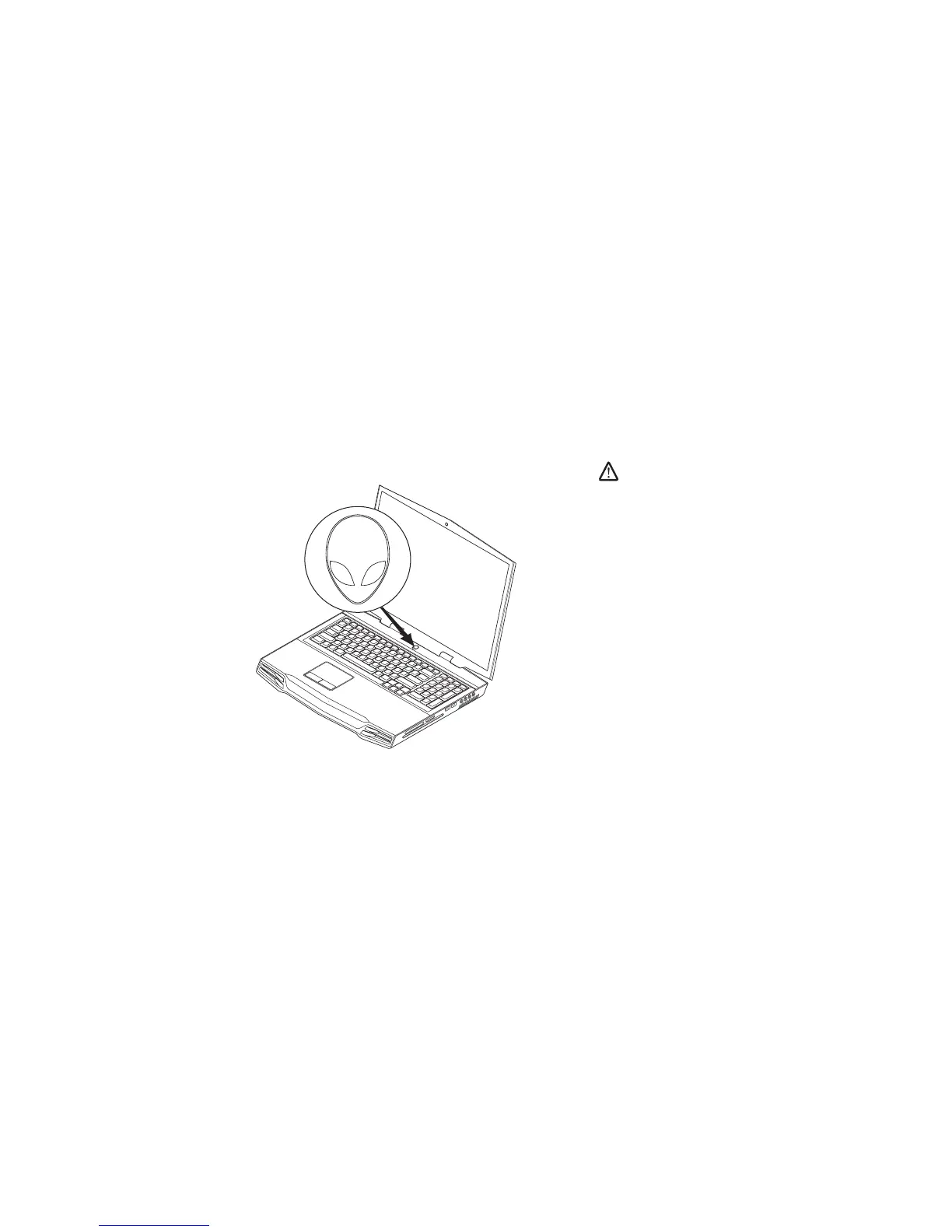
Press the Power ButtonSTEP 2.











 To Next Page