2 Unpack the tray, and then remove all packing material.
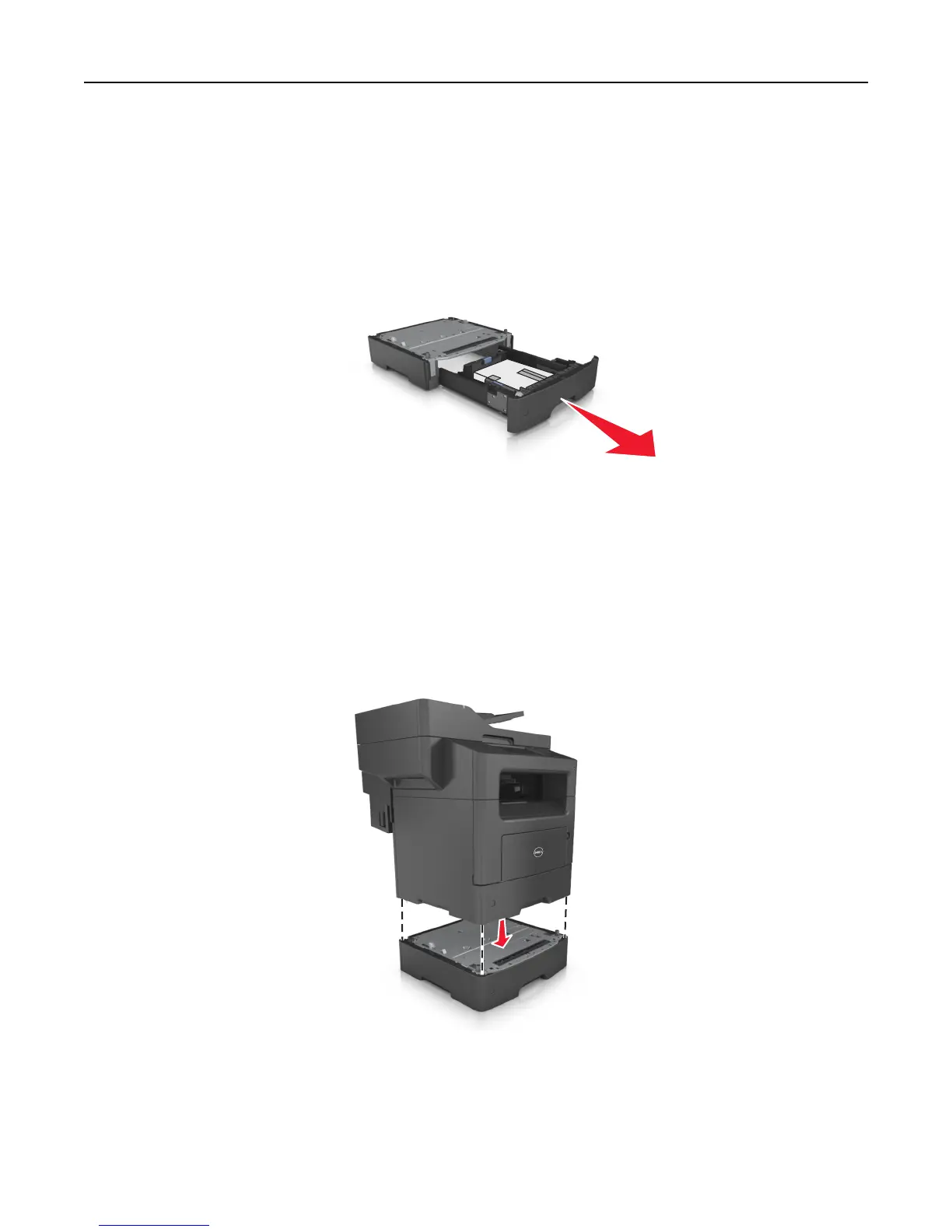
3 Pull out the tray from the base.
4 Remove any packing material from inside the tray.
5 Insert the tray into the base.
6 Place the tray near the printer.
7 Align the printer with the tray, and then slowly lower the printer into place.
Note: Optional trays lock together when stacked.
8 Connect the power cord to the printer, then to a properly grounded electrical outlet, and then turn on the printer.
Additional printer setup 44












 To Next Page