22 | About your monitor
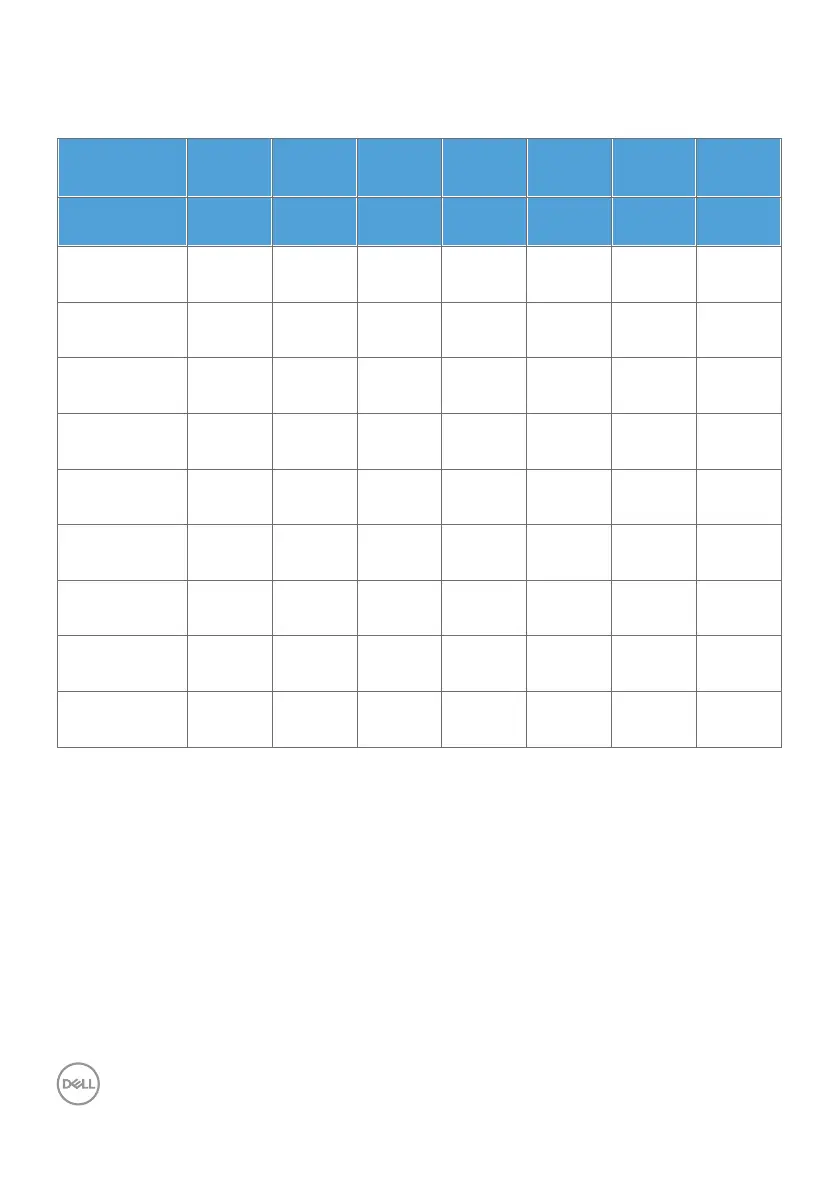
Unified Communications (UC) Platform Compatibility List
The table below highlights the call functions that work on the Dell Video Conferencing
Monitor – C2422HE, C2722DE and C3422WE when using the following UC platforms
#
.
Call Functions
Bring up
Microsoft
Teams
Answer call End call Reject call Adjust
Speaker
volume down
Adjust
Speaker
volume up
Mute/
Unmute
Microphone
Button
Teams Hookswitch Hookswitch Hookswitch Volume
Down
Volume Up Mute
Microsoft
Teams
√ √ √ √ √ √ √
Skype for
Business
× √ √ √ √ √ √
Zoom × × × × √ √ √
*
Google
Hangouts
× × × × √ √ √
*
BlueJeans × × × × √ √ √
*
Cisco Webex × × × × √ √ √
*
FaceTime × × × × √ √ √
*
Slack × × × × √ √ √
*
GoToMeeting × × × × √ √ √
*
√ Call function on the Dell C2422HE/C2722DE/C3422WE works with the UC
platform
× Call function on the Dell C2422HE/C2722DE/C3422WE does not work with the
UC platform
*
Mute function on the Dell C2422HE/C2722DE/C3422WE works by pressing
the Mute button, but the Mute Icon on the UC platform is not sync (Icon shows
unmute).
#
On Windows 10 64 Bit OS



 To Next Page