72 | Operating the monitor
Icon Menu and
Submenus
Description
USB-C
Prioritization
(C2722DE
only)
Allows you to specify the priority to transfer the data with
high resolution (High Resolution) or high speed (High Data
Speed) when using the USB Type-C port/DisplayPort.
NOTE: If your PC does not have a built-in battery pack
and is powered directly from the monitor USB Type-C port
(such as the Dell OptiPlex Ultra Desktop), changing USB-C
Prioritization on the fly would interrupt the power from
monitor to the PC. Please set USB-C Charging to On
During Power Off.
Reset Display Resets all settings under the Display menu to the factory
defaults.
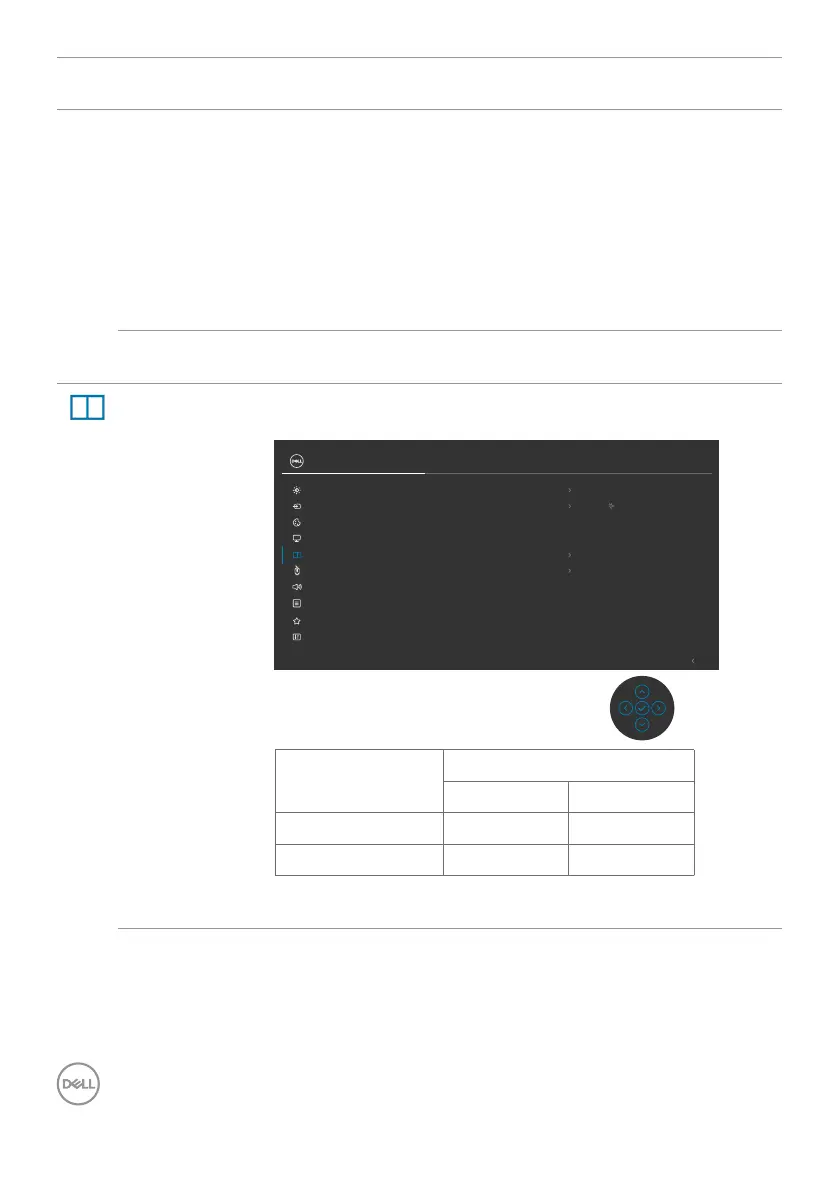
PIP/PBP
(C3422WE
only)
This function brings up a window displaying image from
another input source.
Exit
24/27/34 Monitor
Input Source
Color
Brightness/Contrast
Display
PIP/PBP
Personalize
Others
Menu
USB
Audio
PIP/PBP Mode O
PIP/PBP (Sub)
USB-C 90 W
USB Switch
Video Swap
Audio
Main
Contrast (Sub)
75
Main Window Sub-Window
USB Type-C DP
USB Type-C √ √
DP √ √
NOTE: The images under PBP will be displayed at the
center of the screen, not full screen.



 To Next Page