Operating the monitor | 83
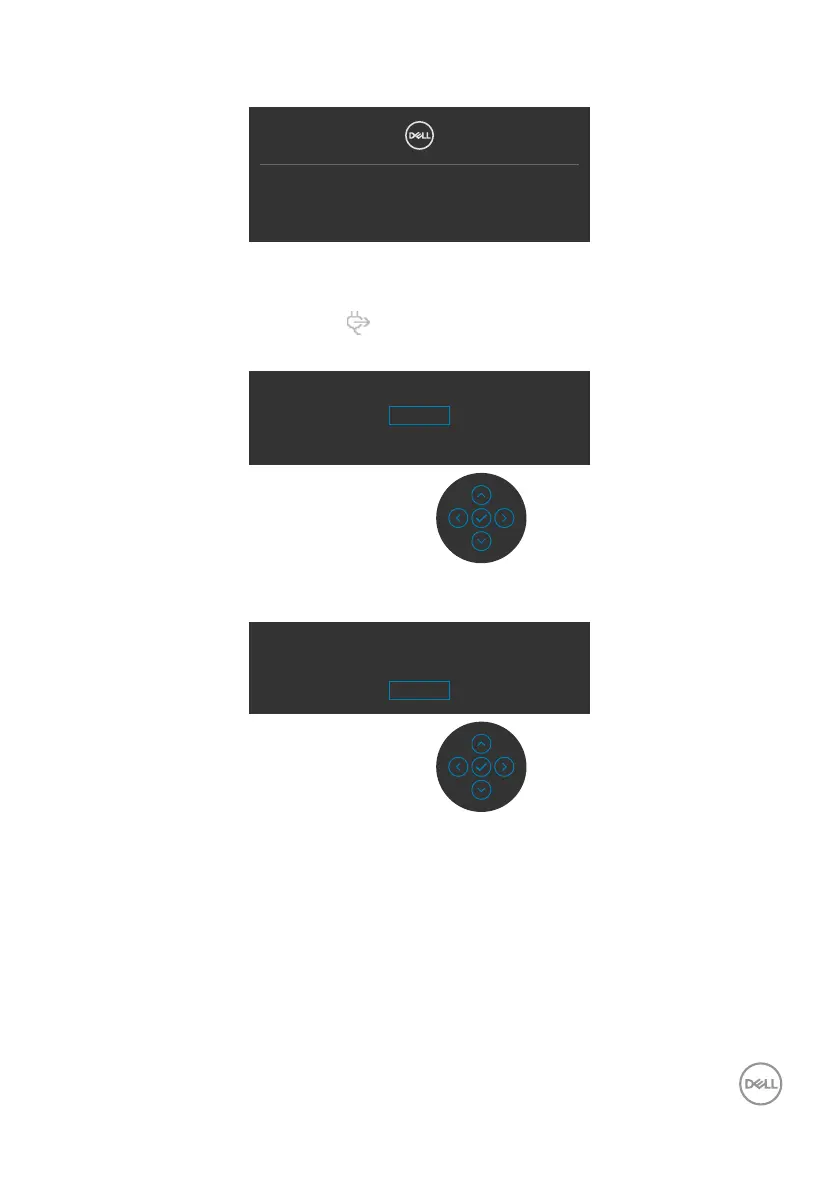
If you press any button other than the power button, the following messages will
appear depending on the selected input:
No DP Signal form your device.
Press any key on the keyboard to wake up.
If there is no display, press the monitor joystick
to select input source.
A message is displayed while the cable supporting DP alternate mode is connected to
the monitor under the following conditions:
• When Auto Select for USB-C
90 W is set to Prompt for Multiple Inputs.
• When the USB-C cable is connected to the monitor.
Switch to USB-C Video Input:
Yes
No
Select OSD items of Factory Reset in Other feature, the following message will
appear:
Are you sure you want to reset to default settings?
Yes
No



 To Next Page