Operating the monitor | 99
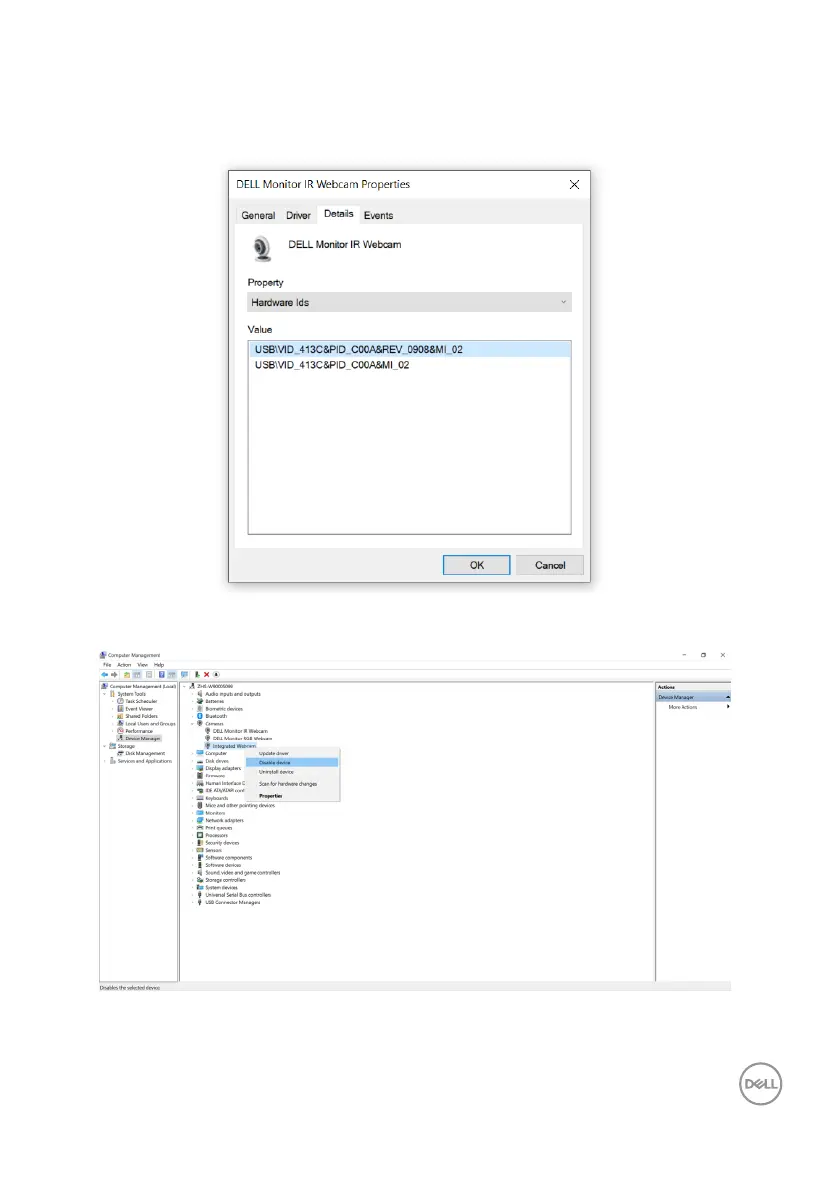
The Value will show the detail hardware ids of this Dell Monitor IR Webcam. The
hardware ids of the notebook built-in webcam and the monitor webcam are different.
For C2422HE/C2722DE/C3422WE, the monitor webcam hardware ids will show as
below:
Right click the PC/Notebook webcam which has different hardware ids , and then
click Disable.



 To Next Page