Other Shortcut Keys | 17
Other Shortcut Keys
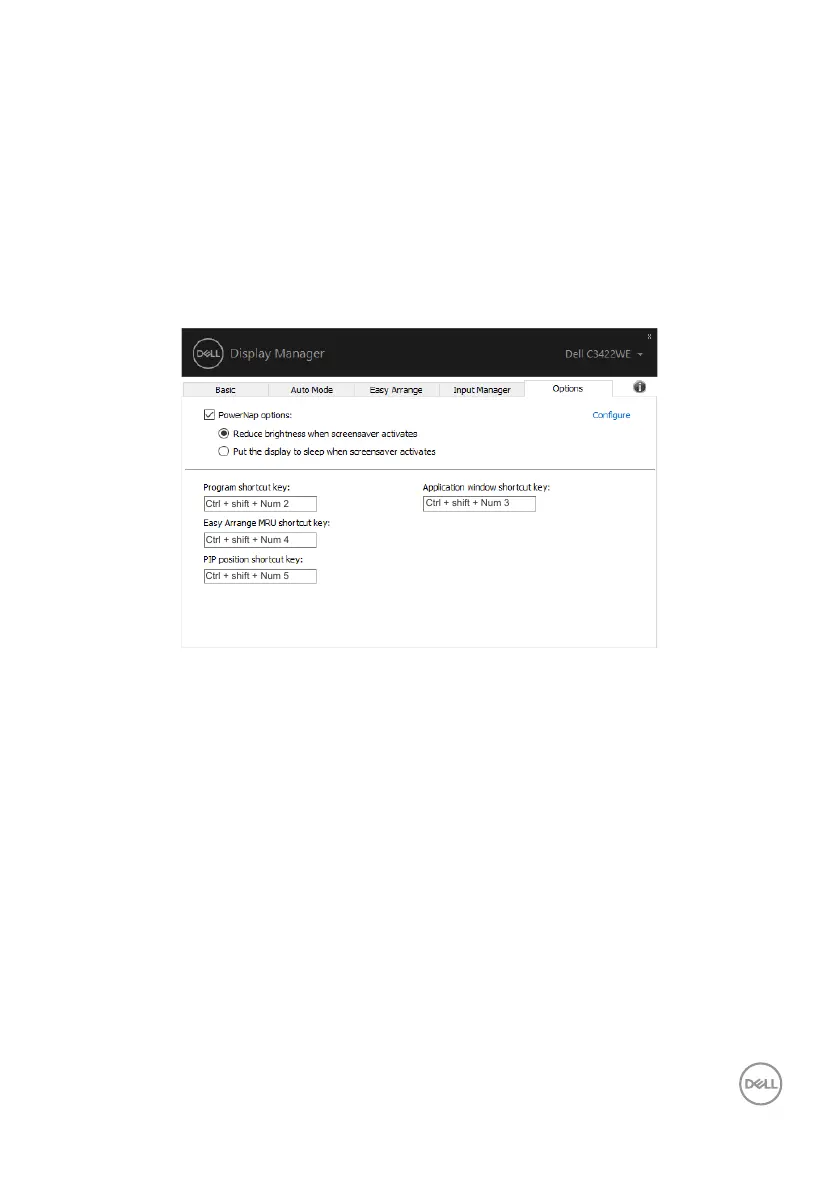
You can define the shortcut keys for quick access to the following DDM functions:
• Program shortcut key: to quickly open the Quick Settings dialog box.
• Easy Arrange MRU shortcut key: to quickly apply the 5 recently used window
layouts.
• Application window shortcut key: to launch a quick menu for options under
Auto Mode and Easy Arrange.
• PIP position shortcut key: to quickly apply the PIP sub position of window
position of Top-Left, Top-Right, Bottom-Right or Bottom-left.



 To Next Page