4 | Overview
Overview
Dell Display Manager is a Microsoft Windows application used to manage a monitor or
a group of monitors. It allows manual adjustment of the displayed image, assignment
of automatic settings, energy management, window organization, image rotation,
and other features on selected Dell monitors. After installed, Dell Display Manager
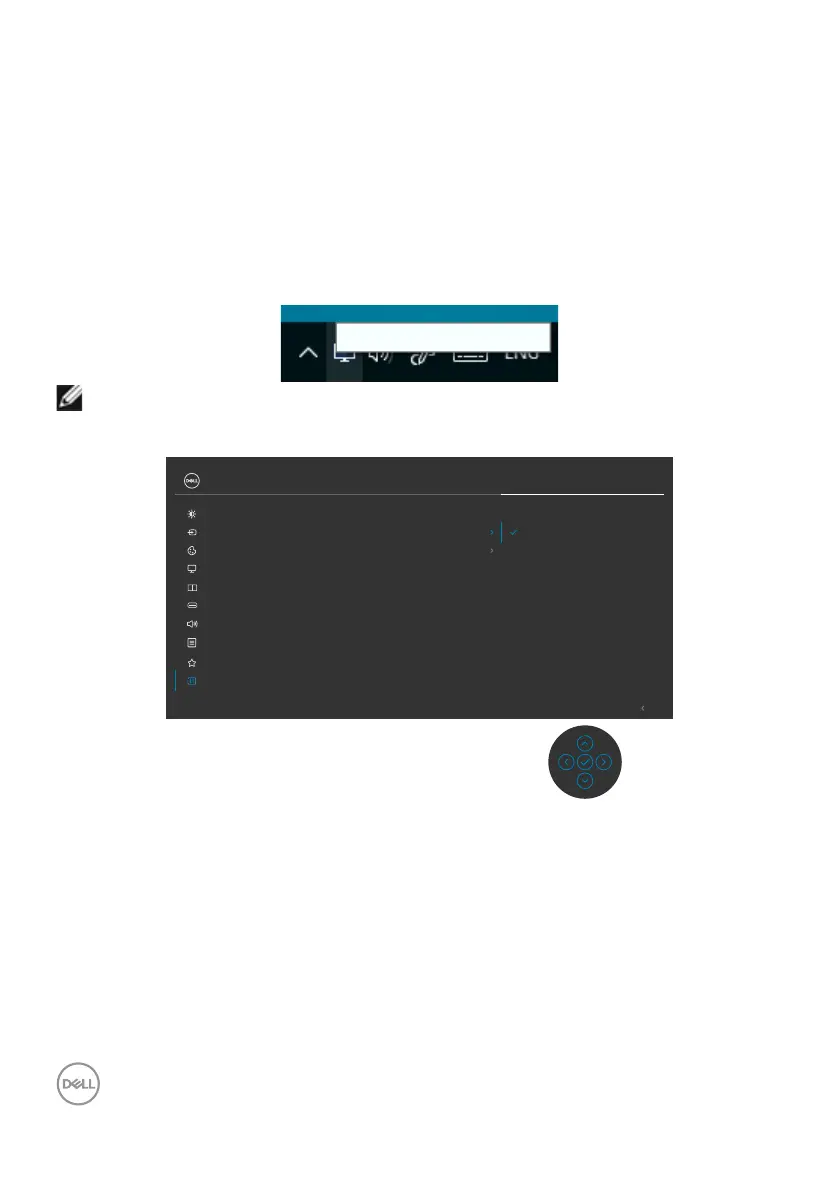
runs each time when the system starts and places its icon in the notification tray.
Information about monitors connected to the system is available when hovering over
the notification-tray icon.
Dell C3422WE - Standard
NOTE: Dell Display Manager uses DDC/CI channel to communicate with
your monitor. Ensure DDC/CI is enabled in the menu as follows.
LCD Conditioning O
DDC/CI On
Exit
24/27/34 Monitor
Input Source
Color
Brightness/Contrast
Display
PIP/PBP
Personalize
Others
Menu
USB
Audio
Display Info
Firmware
Service Tag
Reset Others
Factory Reset



 To Next Page