About Your Monitor 11
6 Screw Hole For accessory mounting.
7 Cable clips position Sticking cable clips on these positions
to organize the cables.
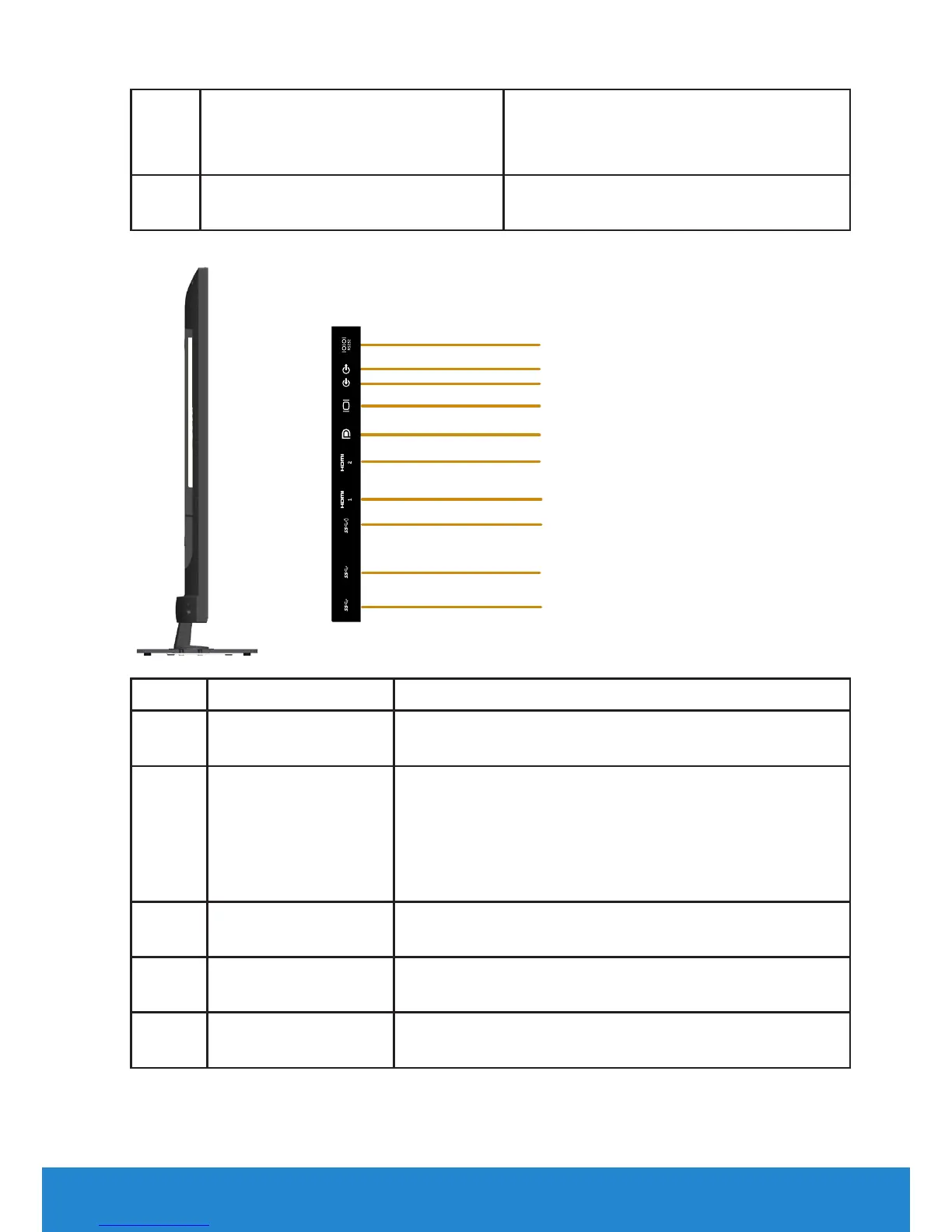
Side View
1
2
3
4
5
6
7
8
9
10
Label Description Use
1 RS232 port To connect your computer to the monitor using a
RS232 cable.
2 Audio Line Out Port Connect speakers to playback audio coming
through VGA or HDMI or DP audio channels. Only
supports 2-channel audio.
NOTE: The audio line-out port does not support
headphones.
3 Audio Line In Port Connect the audio cable (optional purchase) from
the source device to the monitor.
4 VGA port To connect your computer to the monitor using a
VGA cable.
5 DisplayPort To connect your computer to the monitor using a
DP to DP cable.













 To Next Page