Operating the Monitor 33
C
Menu
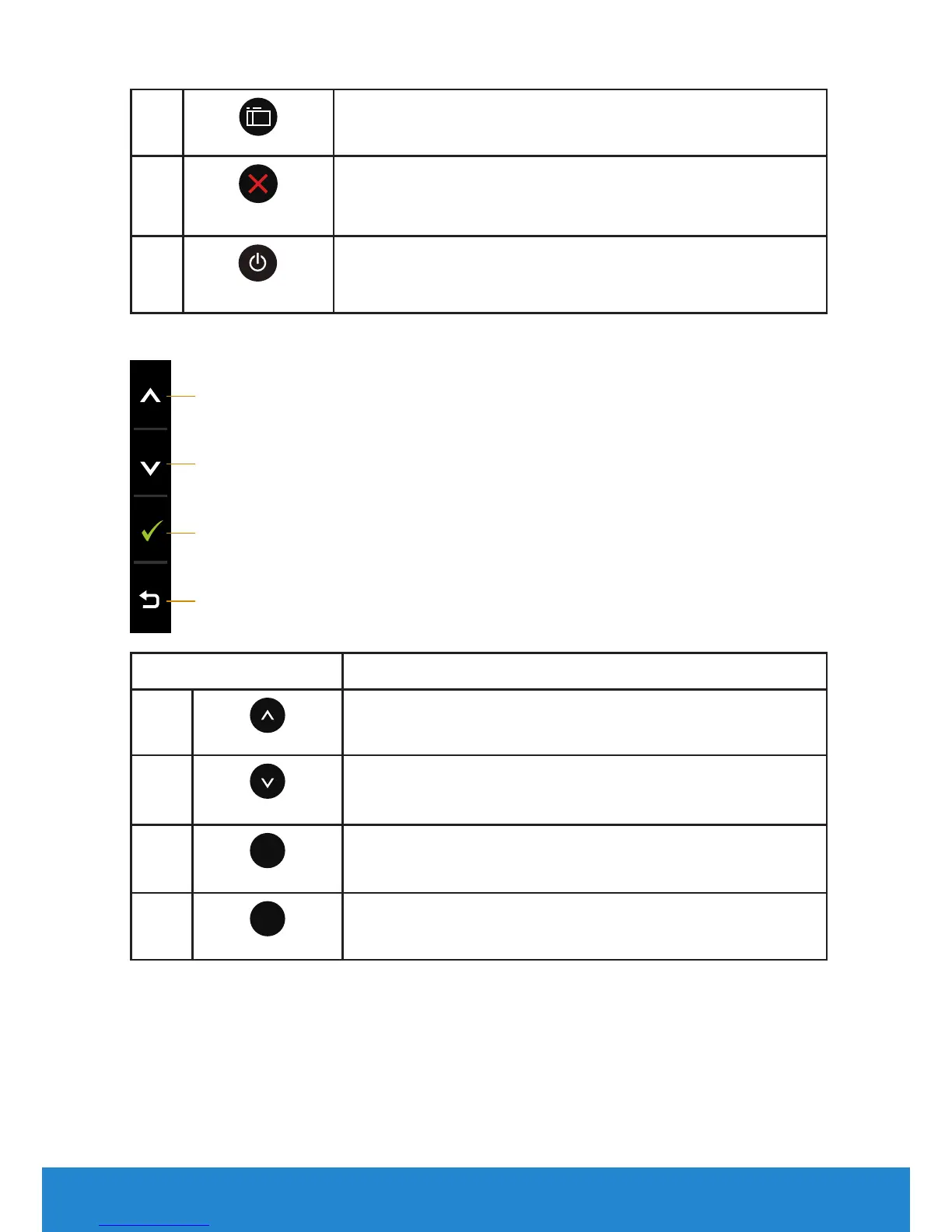
Use the Menu key to open the on-screen display (OSD).
D
Exit
Use the Exit key to exit on-screen display (OSD) from
menu and sub-menus. Hold about 10 seconds will
enable or disable OSD lock.
E
Power
Press the Power button to turn on/o the monitor.
Key Pad
A
B
C
D
Key Pad Description
A
Up
Use the Up key to adjust (increase ranges) items in the
OSD menu.
B
Down
Use the Down key to adjust (decrease ranges) items in
the OSD menu.
C
OK
Use the OK key to confirm your selection.
D
Back
Use the Back key to go back to the previous menu.













 To Next Page