36 Operating the Monitor
Icon Menu and
Submenus
Description
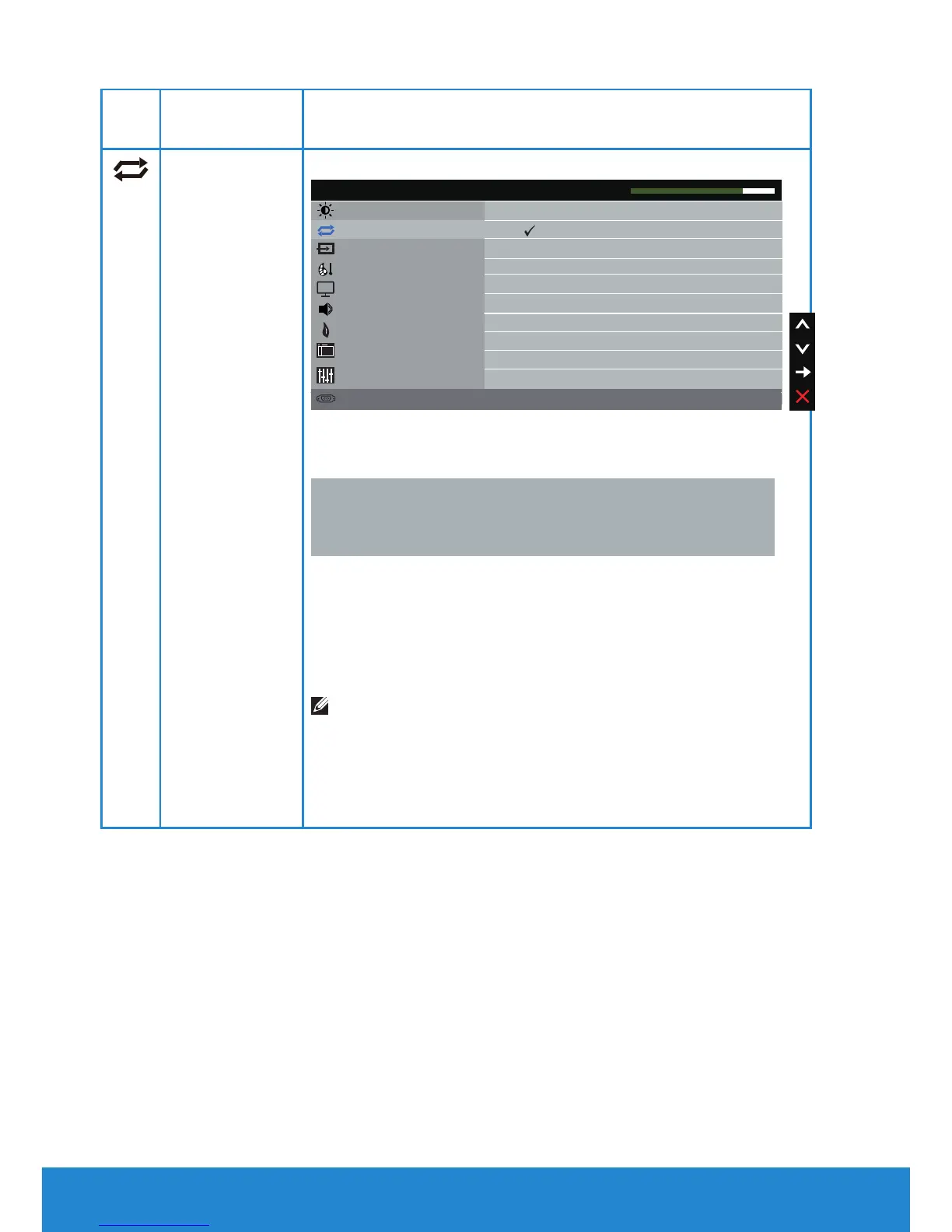
Auto Adjust Use this key to activate automatic setup and adjust menu.
Brightness / Contrast
Resolution: 1280x800, 60Hz Maximum: 1920x1080, 60Hz
Dell C5517H Energy Use
Press to adjust the screen automatically.
Auto Adjust
Input Source
Color
Display
Energy
Menu
Others
Audio
The following dialog appears on a black screen as the
monitor self-adjusts to the current input:
Auto Adjustment in Progress...
Auto Adjustment allows the monitor to self-adjust to
the incoming video signal. After using Auto Adjustment,
you can further tune your monitor by using the Pixel
Clock (Coarse) and Phase (Fine) controls under Display
Settings.
NOTE: Auto Adjust does not occur if you press the
button while there are no active video input signals or
attached cables.
This option is only available when you are using the
analog (VGA) connector.













 To Next Page