About Your Monitor 9
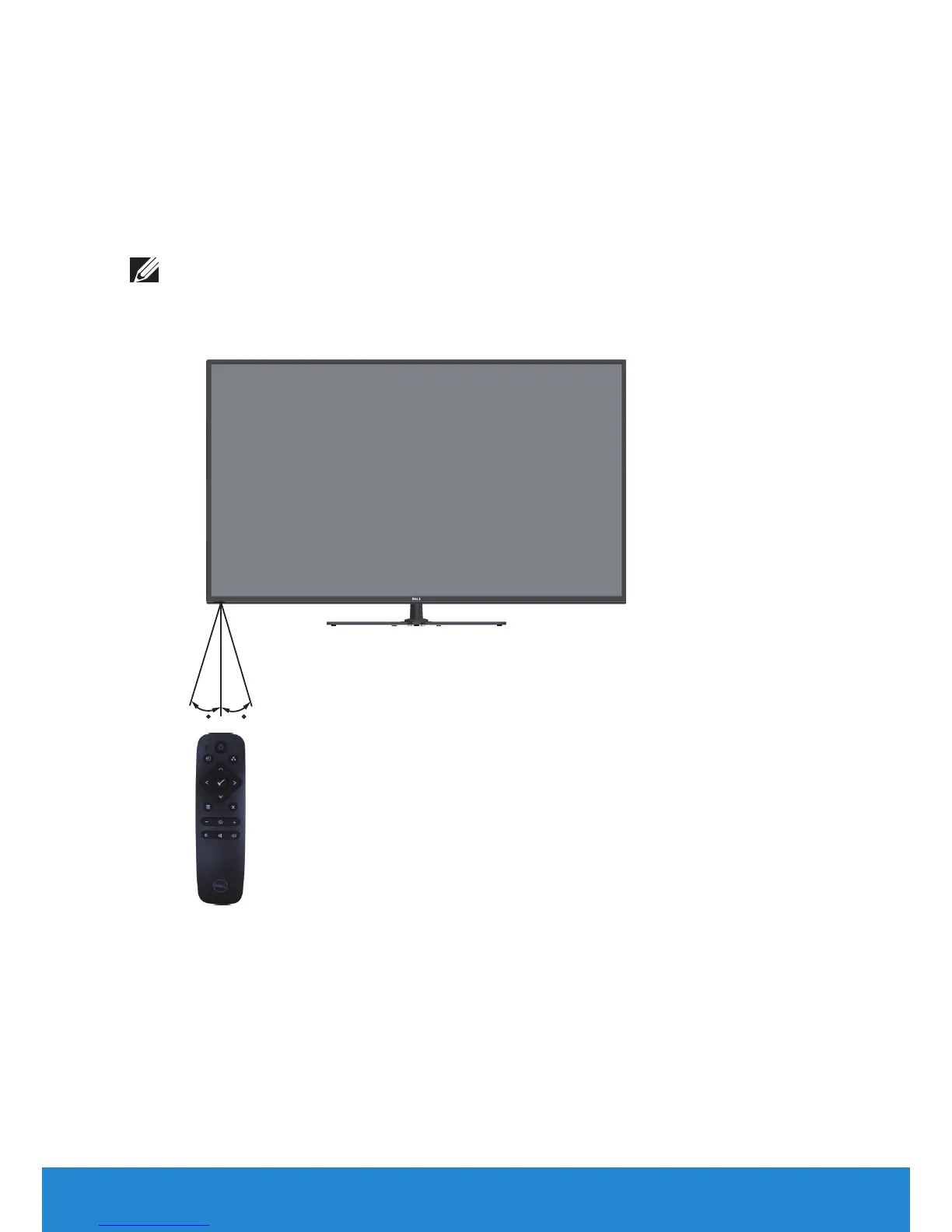
Operating range of the remote control
Point the top of the remote control toward the LCD monitor’s remote
sensor during button operation.
Use the remote control within a distance of about 8 m from remote control
sensor or at a horizontal and vertical angle of within 15° within a distance of
about 5.6 m.
NOTE: The remote control may not function properly when the
remote control sensor on the display is under direct sunlight or
strong illumination, or when there is an obstacle in the path of signal
transmission.
15 15













 To Next Page