The following sections give you information about the various power management modes and pin assignments for various connectors for your monitor.
Power Management Modes
IfyouhaveVESA'sDPM™compliancedisplaycardorsoftwareinstalledinyourPC,themonitorcanautomaticallyreduceitspowerconsumptionwhennotinuse.Thisis
referred to as Power Save Mode
*. If the computer detects an input from any keyboard, mouse, or the other input devices, the monitor automatically resumes. The
following table shows the power consumption and signaling of this automatic power saving feature:
The OSD will only function in the normal operation mode. When you press any button other than the power button in Active-
off mode, the following messages will be
displayed:
Activate the computer and the monitor to gain access to the OSD.
* Zero power consumption in OFF mode can only be achieved by disconnecting the main cable from the monitor.
40W(typical)with
audio
NOTE: This monitor is ENERGY STAR®-compliant .
Pin Assignments
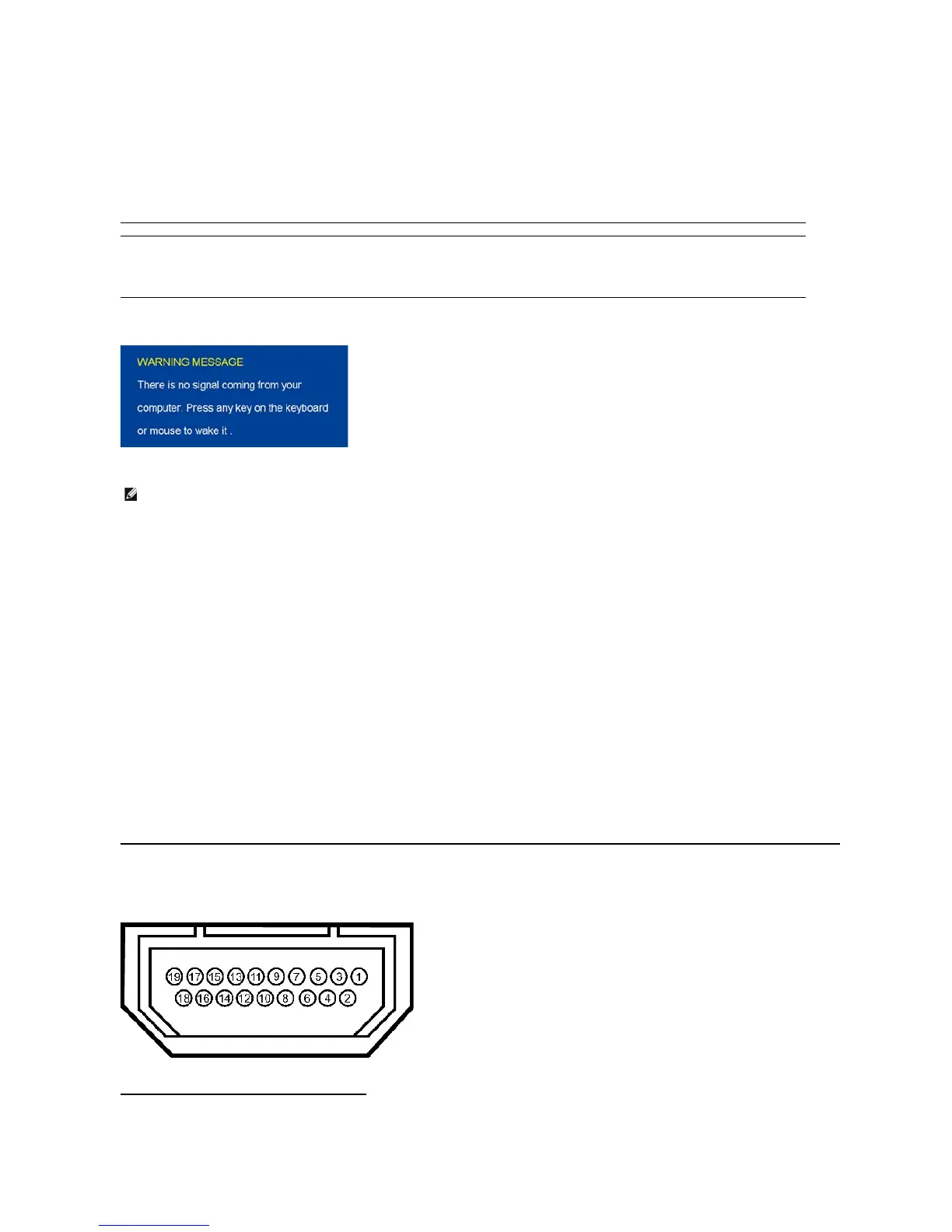
19-pinHDMIConnector
The following table shows pin assignments in the HDMI connector:
19-pin Side of the Connected Signal Cable












 To Next Page