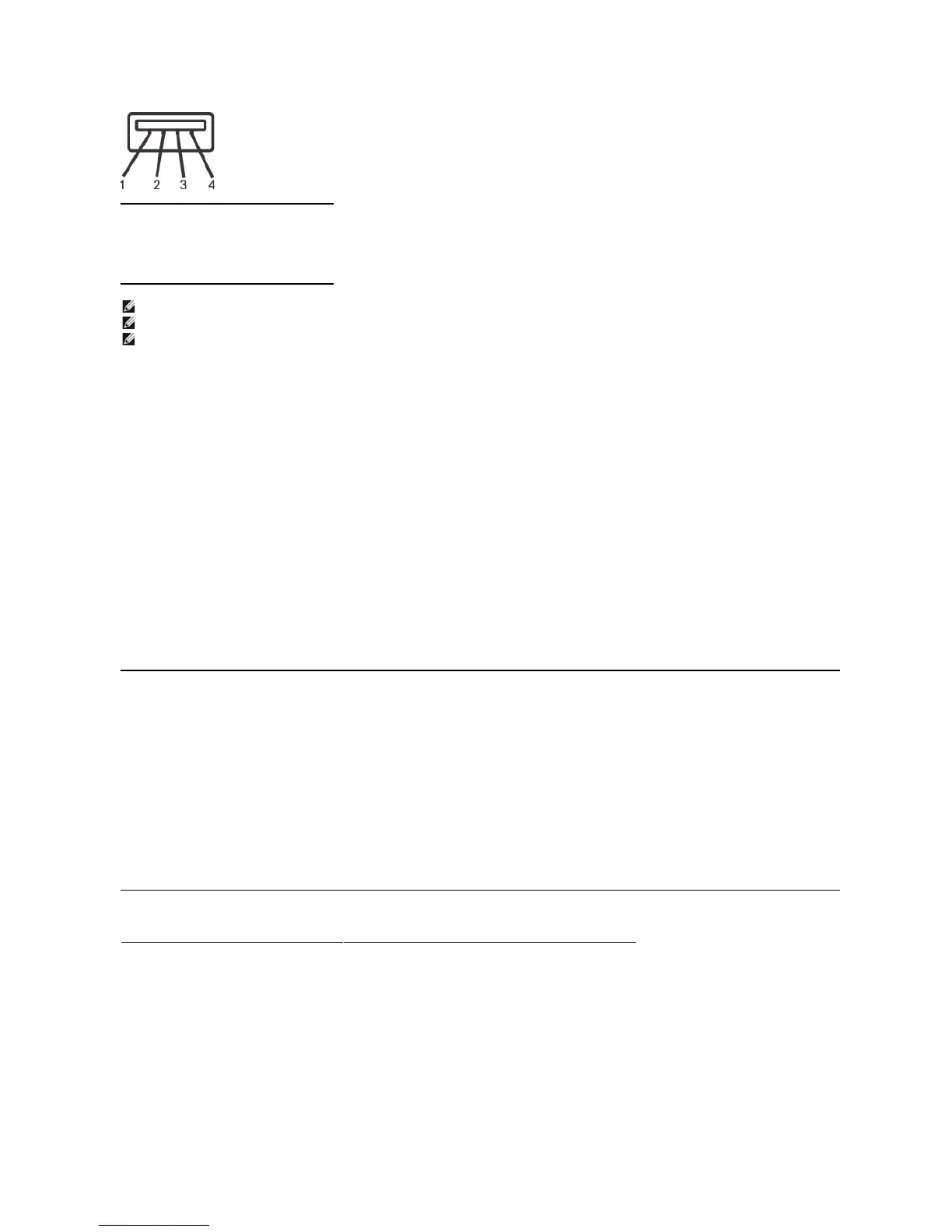
4-pin Side of the connector
NOTE:TheUSBconnectorisonlyavailableforwebcam.
NOTE:USB2.0capabilityrequires2.0-capablecomputer.
The USB interface of the monitor works ONLY when monitor is powered ON (or in Power Save Mode). Switching your monitor OFF and then ON would re
enumerate its USB interface; attached peripherals may take a few seconds to resume normal functionality.
Plug and Play Capability
You can install the monitor in any Plug and Play-
compatible system. The monitor automatically provides the computer with its Extended Display Identification Data (EDID)
using Display Data Channel (DDC) protocols so the system can configure itself and optimize the monitor settings. Most monitor installations are automatic; you can select
different settings, if desired.
Flat Panel Specifications
22 inches (22-inch viewable image size)
160°(vertical)typ,160°(horizontal)typ












 To Next Page